日本語
English
Français Deutsch 中文 한국어 Español
Descriptions of the Menu Screens
1.
2.
3.
4.
5.
6.
7.
8.
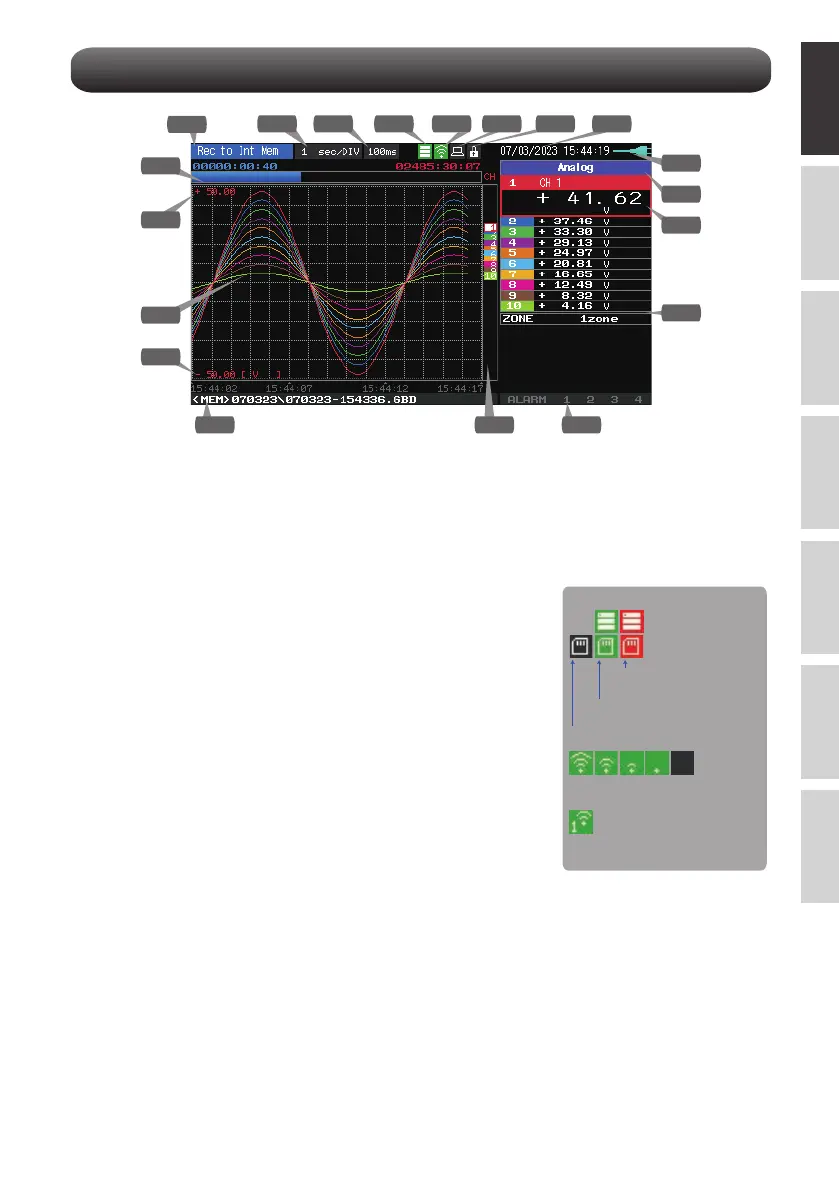
Status message
display area
Time/DIV display area
Sampling interval
display
Device access
display
(Internal memory)
Device access
display
(SD memory card /
wireless LAN display)
Remote lamp
Key lock lamp
Clock display
: Displays the operating status.
: Displays the current time scale.
: Displays the current sampling interval.
: Displayed in red when accessing the
internal memory.
: Displayed in red when accessing the
SD memory card. When the SD
memory card is inserted, it is displayed
in green.
(In station mode, the signal strength of
the connected base unit is displayed.
Also, in access point mode, the
number of connected handsets is
displayed. It turns orange when the
wireless unit is operating.)
: Displays the remote status. (Orange =
Remote status, white = Local status)
: Displays the key lock status. (Orange = keys locked, white = not
locked)
: Displays the current date and time.
9
1 3 5 6 7 8
10
11
12
131415
16
17
18
19
2 4
9
Status icon
Radio field intensity display of base
unit (from Strong to Weak)
SD memory card is not inserted
Internal/
SD memory card is inserted
Internal/
SD memory card accessing
Child unit connection status
(0 to 5 units)















 To Next Page