L-SOLUTION 700 / 800 / 900 machines . 40
First contact
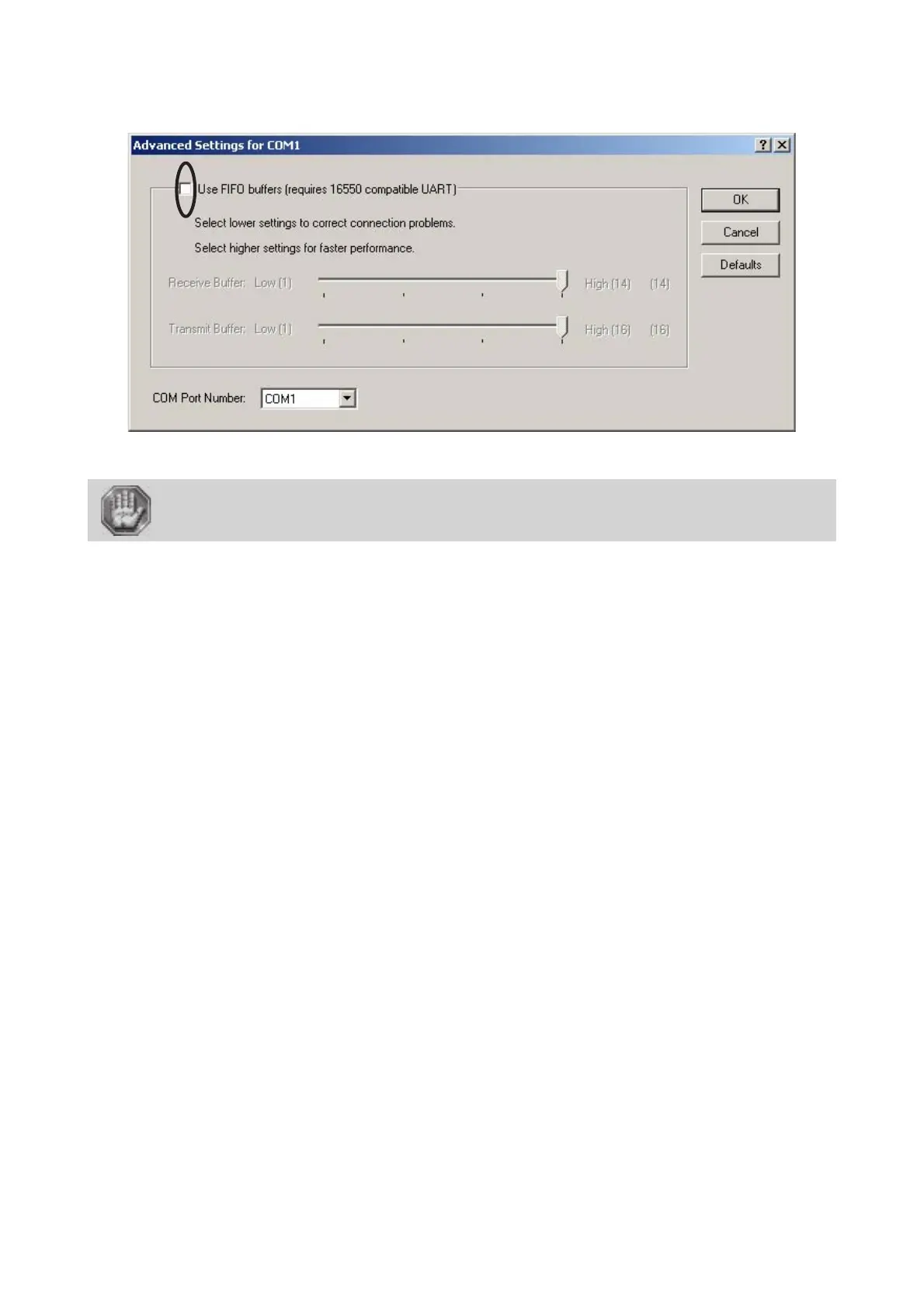
11. In the "Advanced Settings for COM" dialog , remove the "Use FIFO buffers" function which is activated
by default.
12. Click OK to validate.
If the serial settings between the machine and the computer are different, the
composition will not be transferred in the best conditions (risk of transfer errors,
altering the final engraving result)!
Now, to transfer the engraving to your L-SOLUTION machine, just like with a printer, all you need to select in the "Print..."
option.
Printer driver











 To Next Page