20
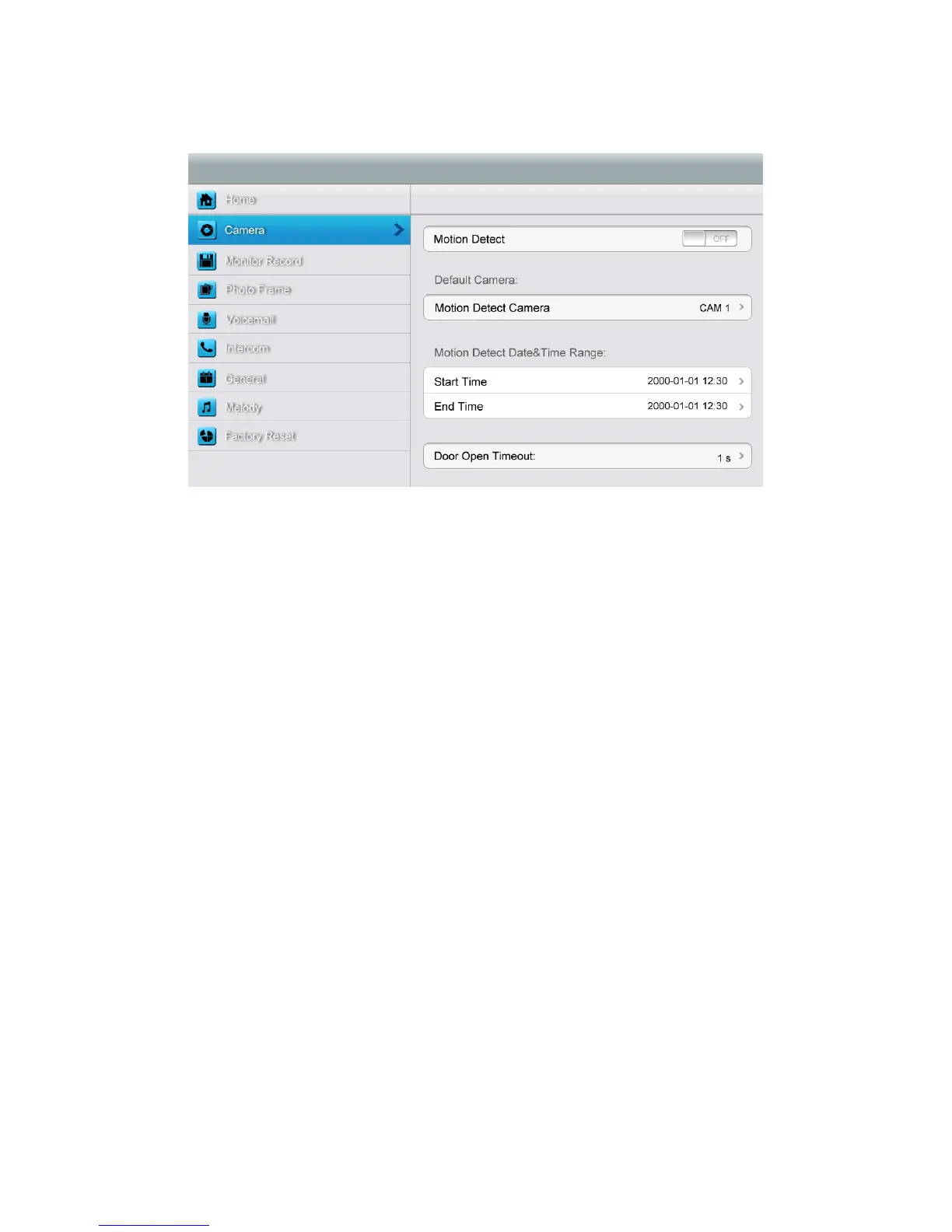
[Camera] setting page
In this page, you can turn [Motion Detect] on or off, set one camera as default for
monitoring, set default camera for motion detection, set detection start & end time and
set door open timeout.
¾ To set a default camera for motion detection, enter into option list:
CAM1/CAM2/CCTV1/CCTV2/CCTV3/CCTV4
Choose one option → Press [Return] button.
¾ To set time range for motion detection, you can set the start time and the end time.
¾ To set door open timeout, enter into option list:
1 s/2 s/3 s/Open While Pressing
Choose one option 错误!未找到引用源。 Press [Return] button.
Remark: Once a moving object is detected, camera will automatically capture a video of
15s. When monitoring door station or CCTV, motion detection will pause until the
monitoring ends.



 To Next Page