21
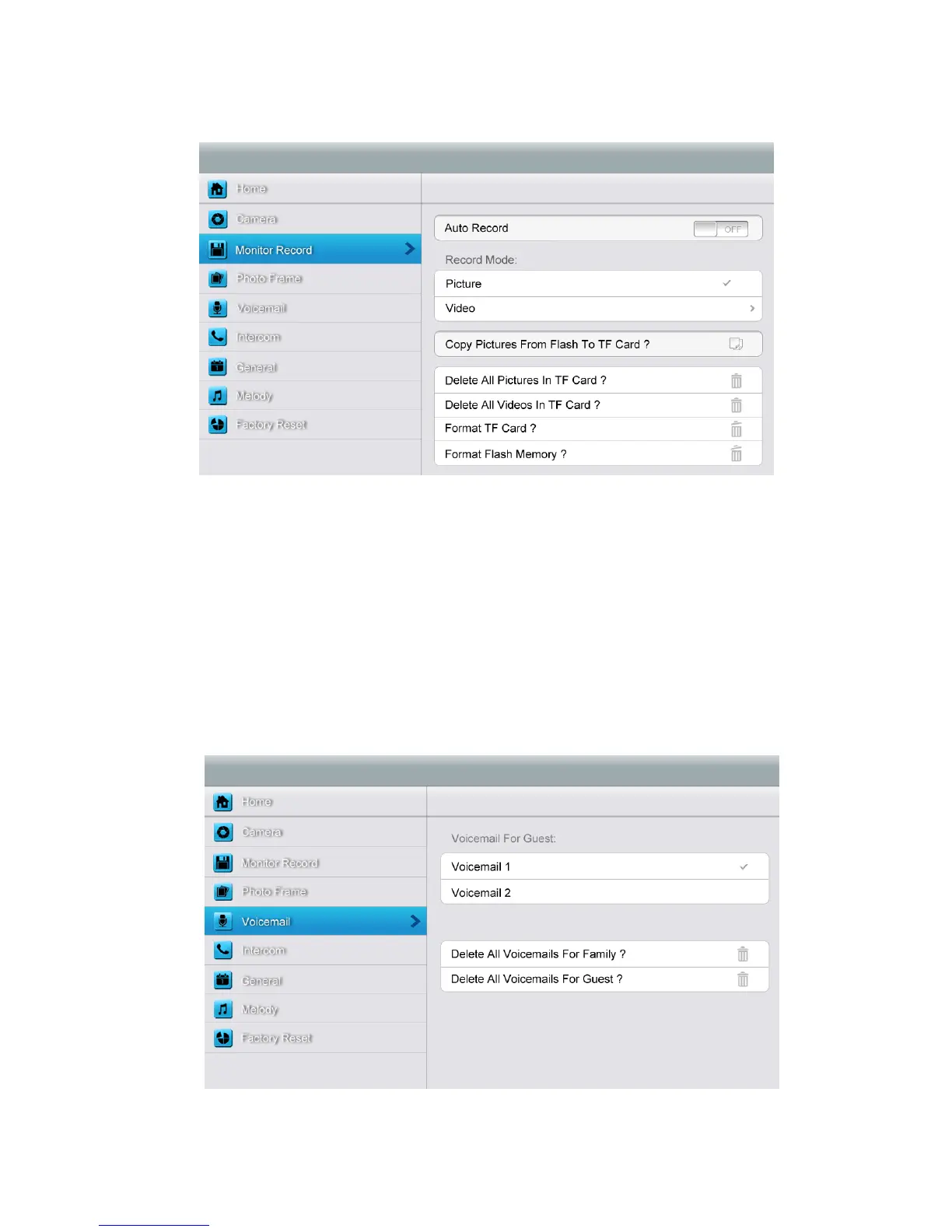
[Monitor Record] setting page
In this page, you can
¾ Turn [Auto Record] on or off. If [Auto Record] is on, the monitor will capture
pictures or videos automatically, when door station calls in.
¾ Select picture or video record mode. To set video recording timeout, enter into
drop-down option list: 15 s/30 s/60 s.
¾ Copy/delete pictures and videos.
¾ Format TF card and flash memory.
[Voicemail] setting page



 To Next Page