22
In this page, you can select one voicemail for guest as the message to play under
[Leaving] mode.
Remark: The Voicemail message is stored on the TF card. This configuration will be
invalid if there is no valid TF card inserted. To record message for guest, please see
6.4.3.
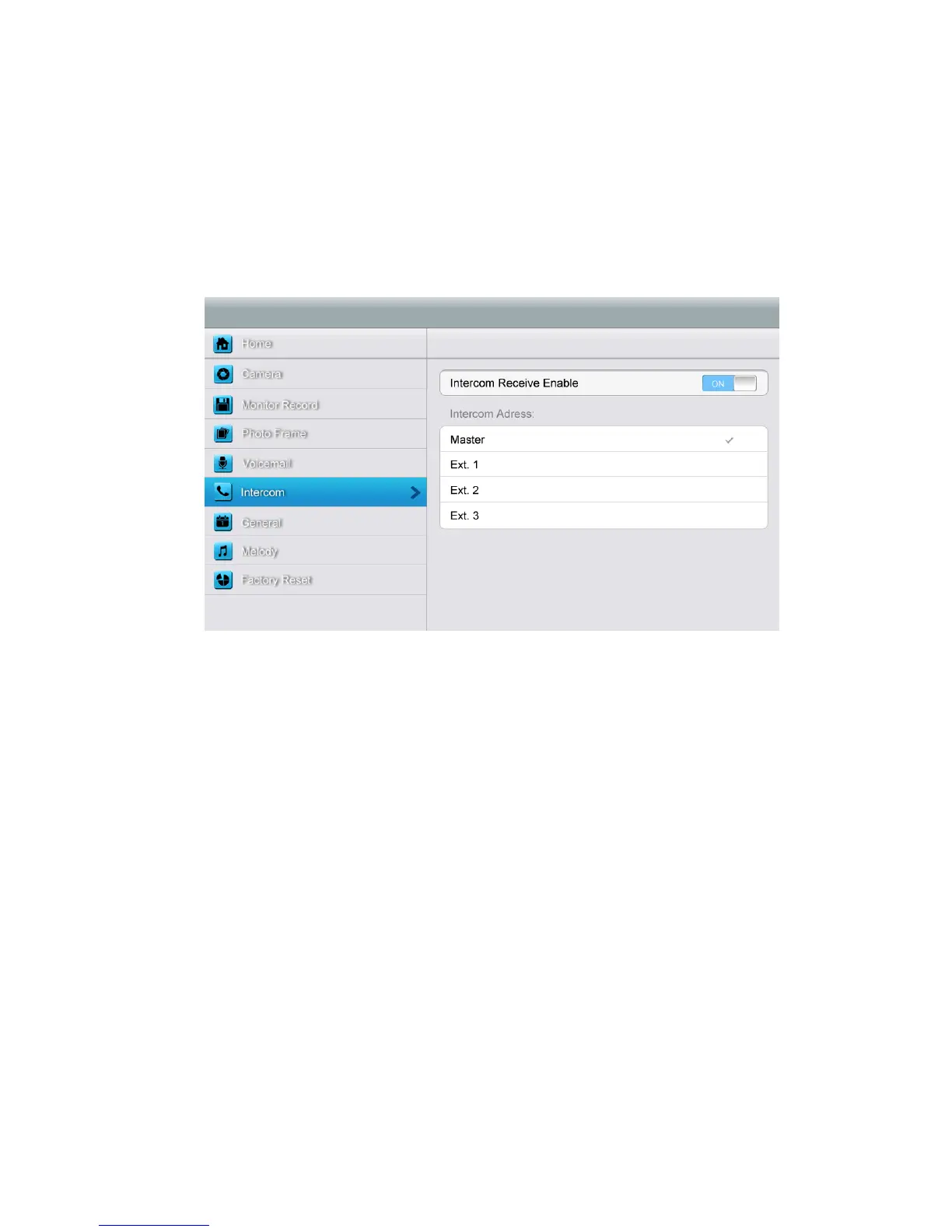
[Intercom] setting page
In this page, you can
¾ Turn [Intercom Receive Enable] on or off.
¾ Set up intercom address. Main monitor should be set up as “Master”, extension
monitors should be set up as “Ext.1”,”Ext.2”,”Ext.3” successively.



 To Next Page