23
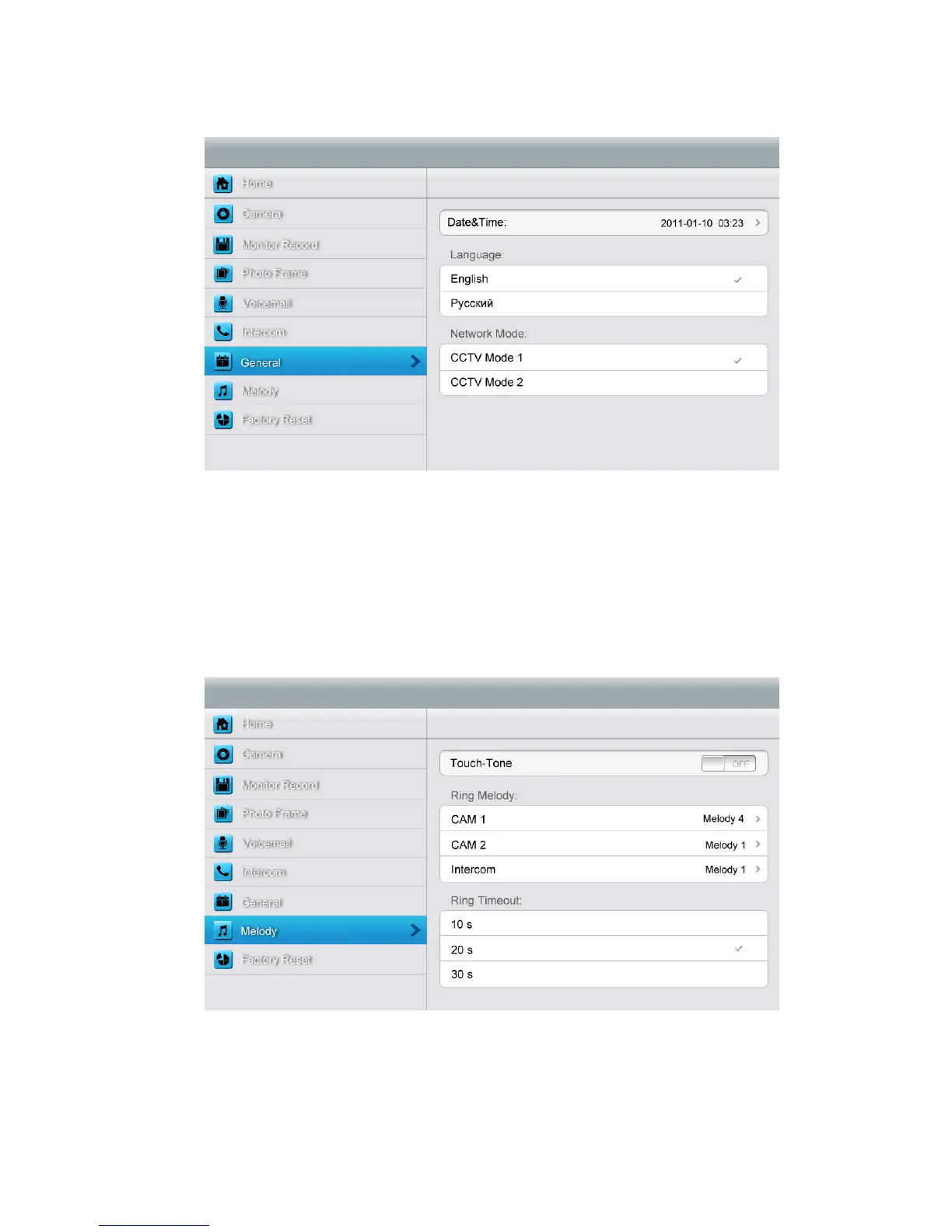
[General] setting page
In this page, you can set up date & time; select a language and CCTV mode. Default
option - CCTV mode 1.
Remark: The CCTV mode of every monitor should keep the same. With the CCTV
mode of master monitor changing, the extensions’ CCTV mode will change
automatically. Note that you should set the master and extension properly.
[Melody] setting page
In this page you can:
¾ Turn [Touch Tone] on or off.
¾ Select ring melody for door station 1, door station 2 and intercom.16 melodies for you
to choose.



 To Next Page