Getting Started
11
Turn on your Lively to complete set up
STEP 3
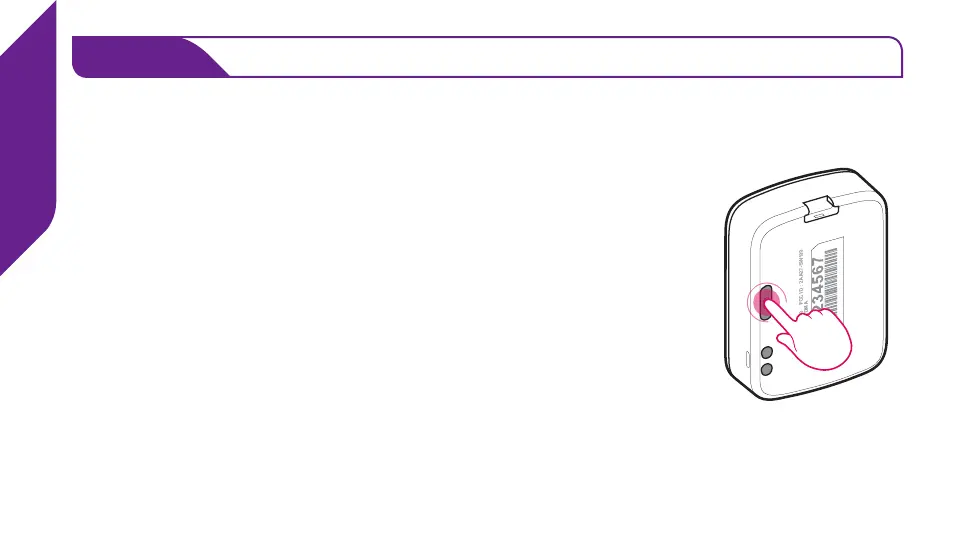
• Remove the “DO NOT POWER ON BEFORE ACTIVATING”
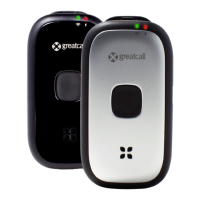
sticker from the back of your device, press the Power Button
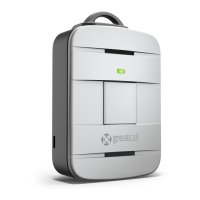
and place your device into the Charging Dock.
• After a few moments you will hear “Setting up device, please
wait”. This process may take several minutes.
• Once complete you will hear “Welcome to 5Star” and the
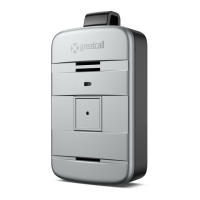
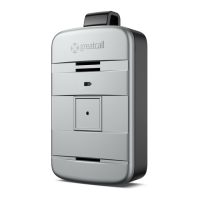
Service Indicator behind the Call Button will begin ashing
white, indicating that the device is working properly.
• You will receive an automated test call on your Lively that
will conrm functionality. Once you hear the device ringing,
press and release the Call Button to answer.
Your Lively is now activated and ready to use!
MODEL : SW100 FCC ID : 2AA27-SW100
MODEL : SW100 FCC ID : 2AA27-SW100
QUALCOMM CDMA
MODEL : SW100 FCC ID : 2AA27-SW100
QUALCOMM CDMA


 To Next Page