Getting Started
12
IMPORTANT!
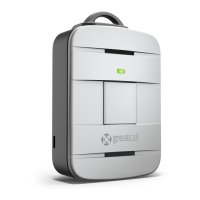
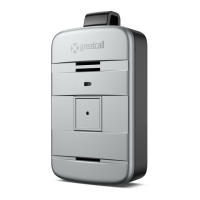
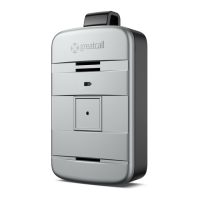
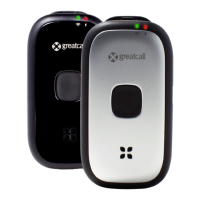
Your device is not ready for use until you hear “Welcome to 5Star” and the Service
Indicator located behind the Call Button is ashing white.
If you hear a voice prompt saying “Unable to activate. See User Guide,” please
make sure that you have followed all activation steps as described in “Activating
Your Lively” on page 8.
i
INFO
Your Lively may not be fully charged after powering on for the rst time. Please
refer to “Section 2: Charging” on page 13 on how to charge your device.


 To Next Page