Model 613-VS2-LES, Log End Slicer Operation
R-1176866 613-VS2-LES_CJL20160114.doc:1/15/2016 4:21 PM Grote Company 32
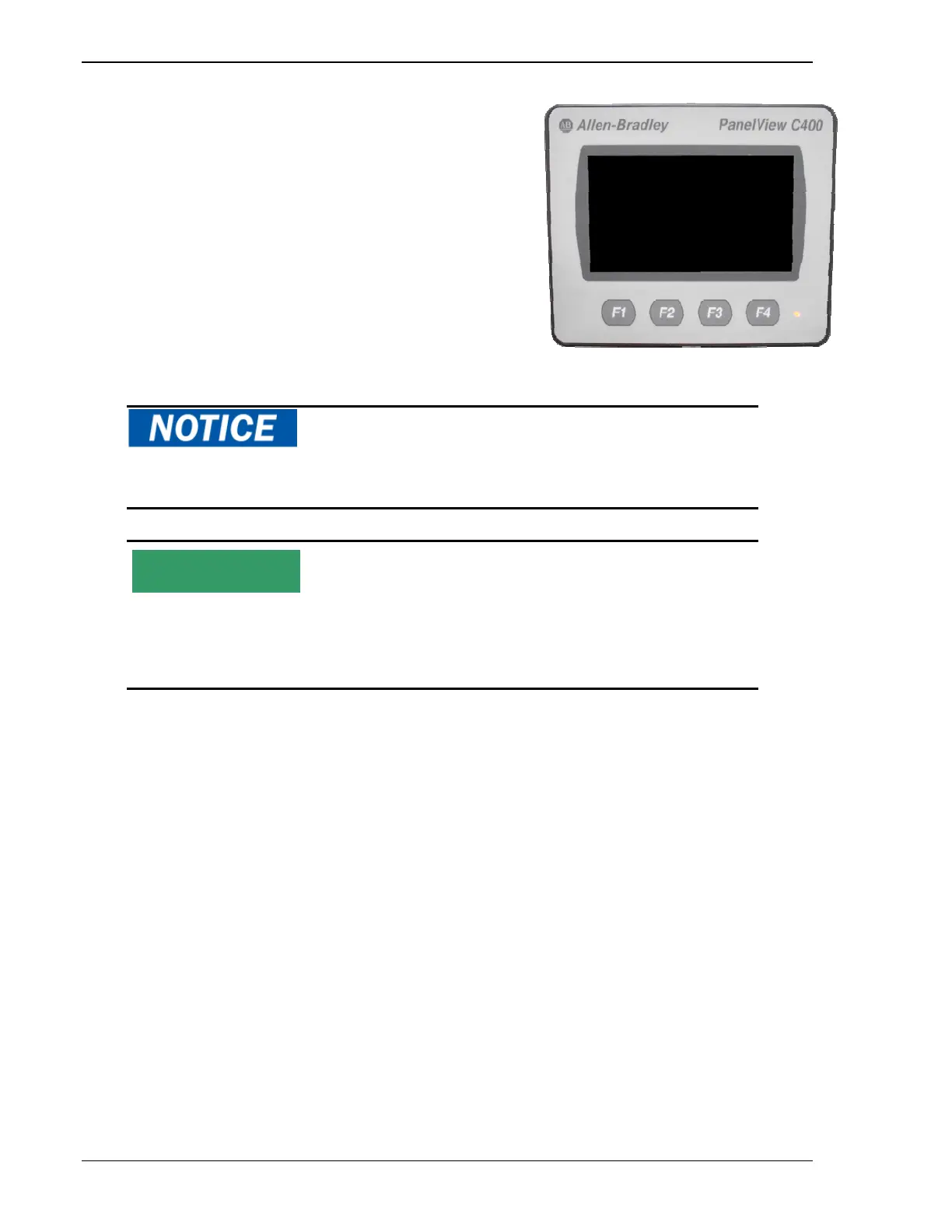
OPERATOR INTERFACE
To operate the slicer, pull out the Emergency Stop Button and set
the Main Disconnect Switch to the open (power on) position to
supply power to the slicer. Then press the Machine Enable button.
Users interact with and control the machine through the Operator
Interface. The interface is a Touch Screen that displays input
control buttons, operating parameters, and output data.
Do not use the Emergency Switch to stop the machine except under emergency
conditions. The product box may not return to the “home” position.
The basic description and functionality of your machine is described below. Your
screens may vary due to the mechanical configuration of your machine. In addition,
based on your specifications, functions (options) may be described that are not
present on your machine.
NOTE
Figure 27 Operator Interface



 To Next Page