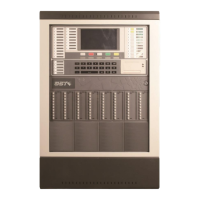
GST200-2 Intelligent Fire Alarm Control Panel
Installation and Operation Manual
Page 43
Fig. 6-37
Entering “1” or “2” can choose the password to modify, the system enters the window in
Fig. 6-38.
Fig. 6-38
After the password (8 digits from 0-9) is input, the LCD will display the screen shown in
Fig. 6-39, requesting to confirm password.
Fig. 6-39
Entering the new password again, if the two passwords are the same, the LCD will
display the window shown in Fig. 6-40, meaning the modification is successful.
Fig. 6-40
6.4.3 Network Setup


 To Next Page