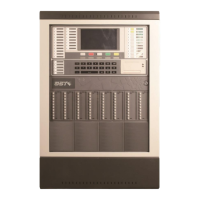
GST200-2 Intelligent Fire Alarm Control Panel
Installation and Operation Manual
Page 44
Input “3” on the screen in Fig. 6-35, the screen shown in Fig. 6-41 will be displayed.
Fig. 6-41
In the above screen,
You can set the panel’s network address by entering number 1, as shown in Fig.
6-42.
Fig. 6-42
You can set the panel to display network message or not by entering number 2, as
shown in Fig. 6-43.
Fig. 6-43
6.4.4 Setting up Beginning Zone Number
Pressing “4” on the screen shown in Fig. 6-35, you can set beginning zone number of
the FACP in network. Duplicate zone number should be avoided. The screen is shown
in Fig. 6-44. Entering the number of zones in the network on highlighted position and
pressing ENTER, the zone numbers of the FACP will start from this number. For
example, if the beginning number is 003, then the FACP zone number will be 003, 004,
005….in sequence.


 To Next Page