0MNMPMK10NPENUB 00 Pag. 21 / 57
1
2
3
4
5
6
7
8
9
1
2
3
4
5
6
7
8
9
1
2
3
4
5
6
7
8
9
1
2
3
4
5
6
7
8
9
female
femmina
db9
female
femmina
db9
male
maschio
db9
male
maschio
db9
UPS
RS232-2
Computer
1
2
3
4
5
6
7
8
9
1
2
3
4
5
6
7
8
9
1
2
3
4
5
6
7
8
9
1
2
3
4
5
6
7
8
9
female
femmina
DB9
female
femmina
DB9
male
maschio
DB9
male
maschio
db9
UPS
RS232-2
Modem
DB9 male RS232-1
For connection with a modem use a cable
standard.
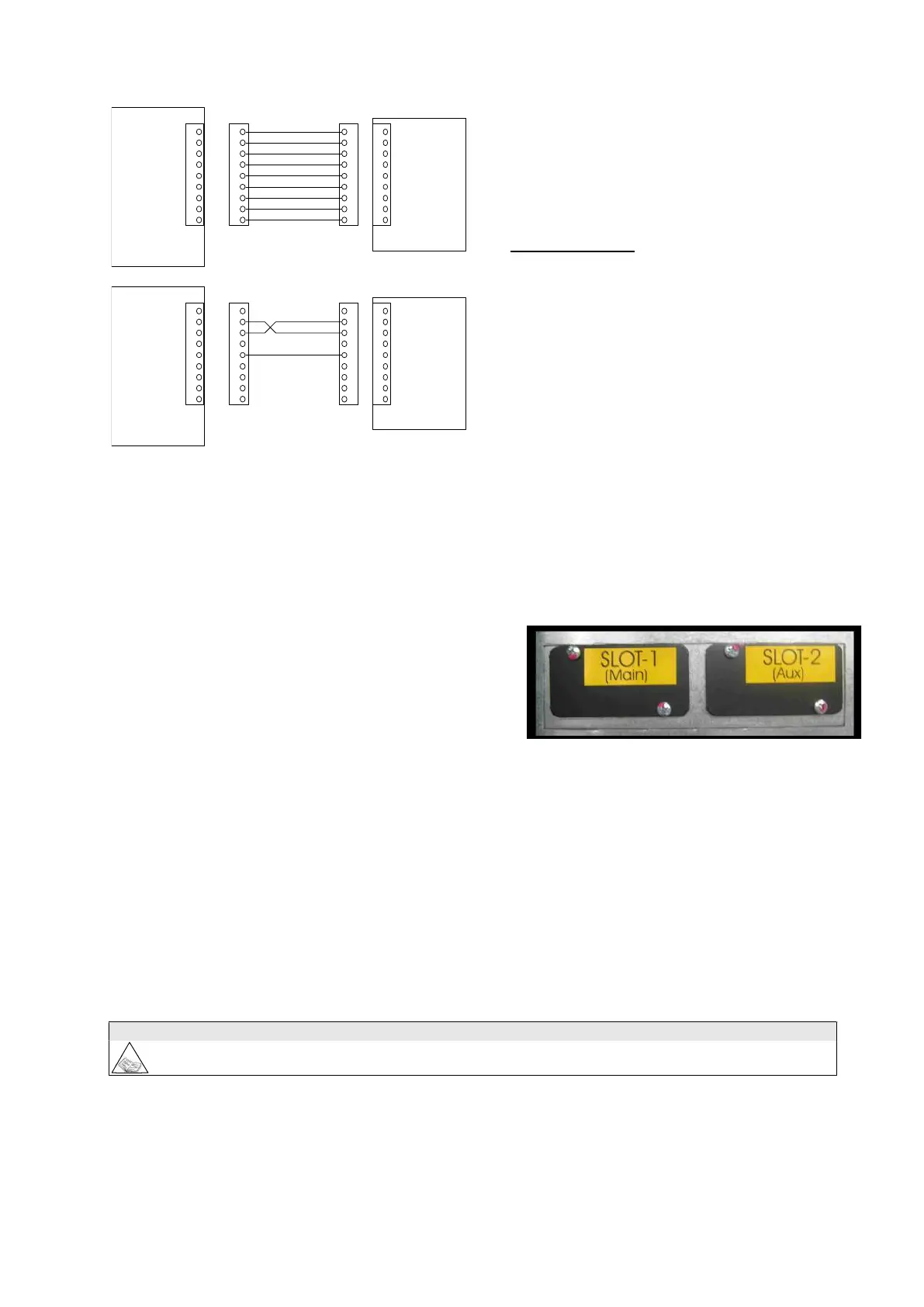
See the diagram for connection with a modem.
3.4.4 Parallel (optional)
To be used for the connection of UPSs in parallel configuration. See the chapter “parallel version” on page 36.
3.4.5 SLOTS 1-2 , the following cards may be inserted (optional):
NetMan 102 Plus (on SLOT 1 main or SLOT 2 aux)
Device for the management of the LIBRAPRO s on the
Ethernet. It can send information on the status of the device
with various protocols:
TCP/IP UDP (compatible with Watch&Save);
SNMP (for communications with NMS or with
PowerNETGuard);
HTTP (to display the status with a browser);
TFTP (to configure or update the device when connected to the network).
The main function of this device is to integrate the UPS into the LAN network ensuring a high level of reliability
of communication with the server to enable full management and control of the UPS .
- MULTICOM card (on SLOT 1 main or SLOT 2 aux )
This device may be used to:
- add a serial port to the UPS;
- monitor the UPS using MODBUS/JBUS protocol on RS485 or PROFIBUS (Multicom 401)
N.B. each card connected precludes the use of a standard RS232 port, as follows.
the use of SLOT 2 (aux) inhibits the use of RS232-2
For the full and updated list of communication accessories, please see the website www.ups-technet.com.



 To Next Page