26
ENGLISH
PRECISIONS:
Your preparation (i.e. Ice Cream / Sorbet /
Granita, Italian Ice Cream, manual mode Ice Cream)
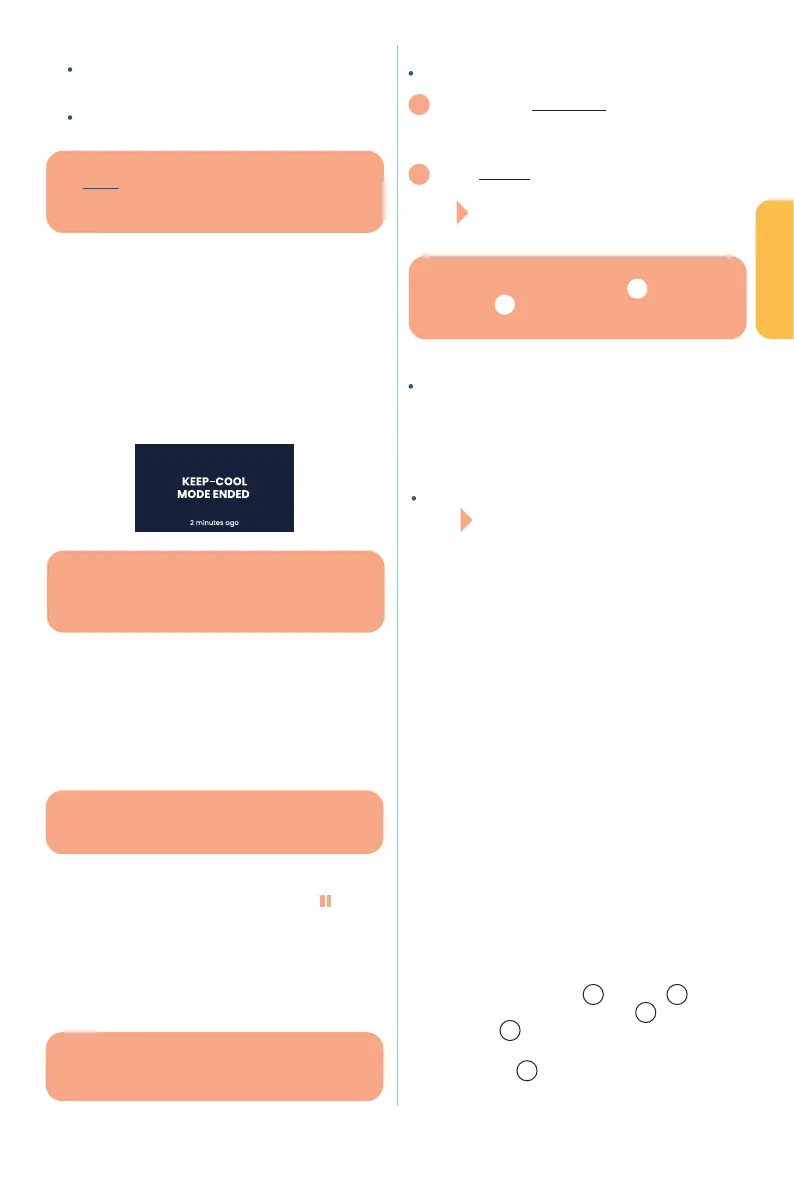
will be kept cool
Your , on the other hand, will be kept cool
with no time limit
, you can at any time
press and hold the dial to end conservation mode and
recover your preparation. The screen then displays the
programme initially selected.
(for frozen
preparations), the refrigeration is stopped. Your screen then
displays “END OF CONSERVATION MODE in XX min”. Press
the dial to return to the selected programme screen and take
out your preparation. Without any action from yourself,
the device will turn o automatically after 20 minutes.
4.5 Pausing a programme ---------------------
You can pause the device when it is running if the
programme launched is (Ice
Cream / Sorbet / Granita, Italian Ice Cream, Ice Cream
Manual Mode): pausing lets you taste your preparation in
progress to adapt its texture if necessary or add toppings/
coatings or other at the end of mixing..
When your programme is running, the pictogram appears
at the bottom right of your screen and is automatically
pre-selected.
>> Click the dial to pause the preparation - the pause time
has been set to a , otherwise you risk
damaging your preparations. A countdown appears on the
screen.
Several scenarios:
You want TO RESTART
1
The program will automatically restart from where it
left o after a break, without you having to do
anything. The 3-minute countdown is displayed on the
screen with the words, "Restart in xx: xx"
2
You can manually restart the program before the end
of the 3-minute countdown: you can manually select
the pictogram by turning the adjustment dial
and clicking it: the program restarts.
If the lid is not locked:
at the end of the initial
3-minute timer, the screen will show the message,
"Lock your lid, shutdown in 3 minutes". Lock the lid,
and the machine will then restart automatically.
If you do nothing for 3 more minutes, the machine
will not restart the program in progress and the screen
will display the end of the selected program.
by clicking
on the
pictogram, the screen will show the message,
"Lock your lid, shutdown in 3 minutes". Lock the lid, and the
machine will then restart automatically. If you do nothing
after these 3 minutes, the machine will not restart the
program in progress and the screen will display the end of
the selected program.
4.6 Automatic device stop --------------------
If no programme is launched or no operation in progress,
the device will automatically shut down after 20 minutes.
5. CARE AND MAINTENANCE
OF YOUR DEVICE
Before cleaning, make sure the appliance is disconnected
from the mains.
Always wait until the appliance is again at room temperature
before cleaning the inside of the removable bowl (wait for
approximately 15 minutes, leaving the removable bowl open,
at room temperature).
Do not use abrasive substances, strong detergents or hard
brushes to clean the device.
To avoid any risk of electric shock, do not clean the appliance
with water and do not immerse it in water..
Clean the exterior with a slighthy damp cloth.
The removable stainless bowl
3
, the
2
,
the
11
,
and the
12
, are diswasher safe. We recommend,
however, that you clean by hand.
The
1
is not dishwasher-safe and must be
hand-washed in clean, soapy water.
GOOD TO KNOW
For frozen preparations in conservation mode, the blade
stops, the 30-minute countdown is displayed on the
screen and refrigeration continues.
GOOD TO KNOW
If you do not consume or refrigerate your preparation
quickly after stopping conservation mode, it may
be lost.
GOOD TO KNOW
Pausing is not possible for the Yoghurt
programme.
GOOD TO KNOW
When the device is in pause mode, blade rotation
stops, the timer is frozen and refrigeration continues
GOOD TO KNOW
to restart the program automatically
1
or manually
2
, the cover must be in position
and locked.


 To Next Page
 Loading...