36
Menu (Cont.)
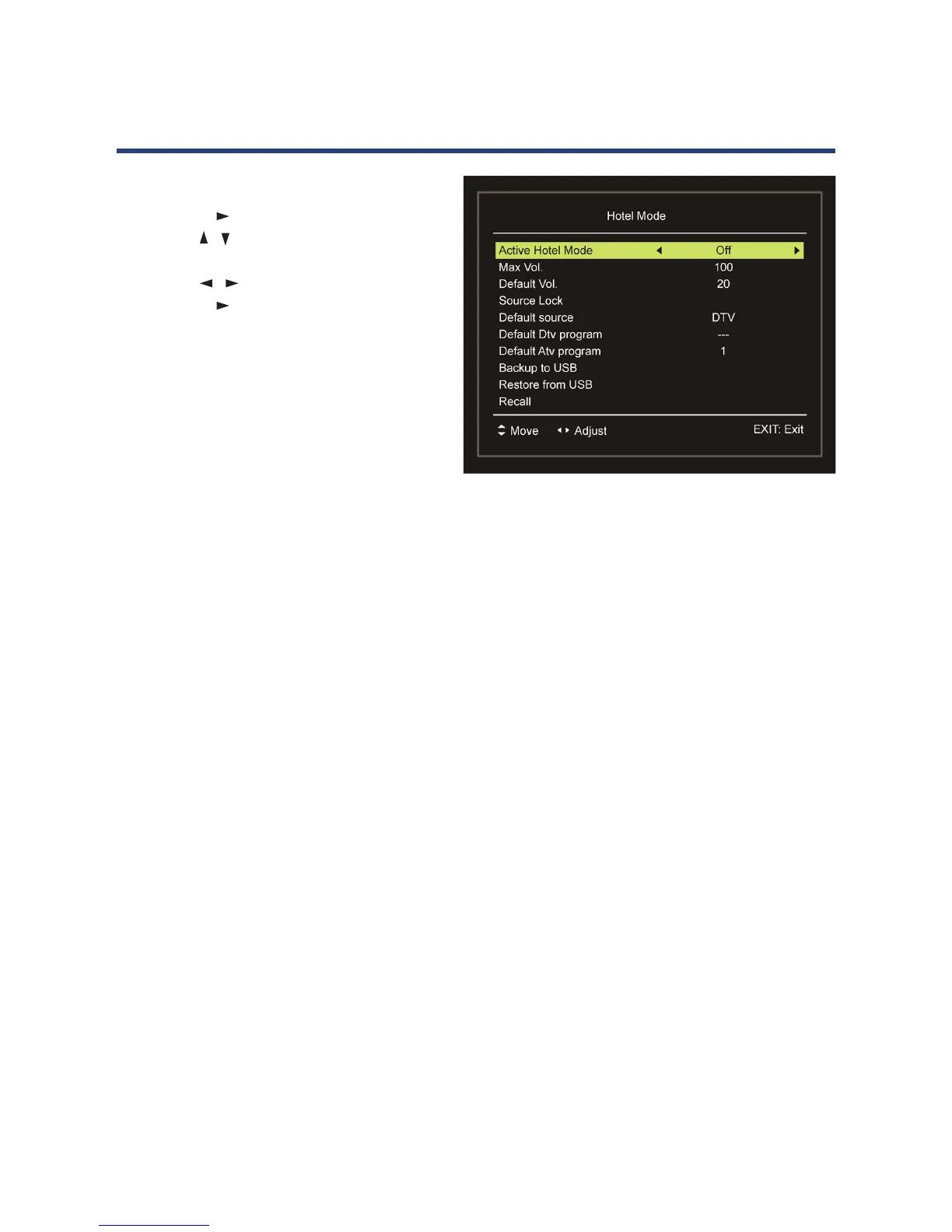
Hotel mode
• Press OK or to enter.
• Press the
/ button to select the desired
item.
• Press the / button to adjust the value.
• Press OK or to enter the submenu.
• Press the MENU button to return to the
previous page.
Active Hotel Mode: Turn on/o Hotel
Mode.
Max Vol.: Set the maximum volume level.
Default Vol.: Set the default volume level.
Source Lock: Turn on/o the lock of available sources.
Default source: Set the default source.
Default DTV program: Set the default digital program.
Default ATV program: Set the default analog program.
Backup to USB: Backup the data to USB1 memory device.
Restore from USB: Restore data from USB1 memory device and then your TV will switch to
STANDBY mode.
Recall: Recall the default settings of Hotel Mode.
New Password
• Input your new password using the number buttons on the remote control and conrm it
again to set your private password.
Clear Lock
• Use this item to clear your current lock settings.



 To Next Page