37
Menu (Cont.)
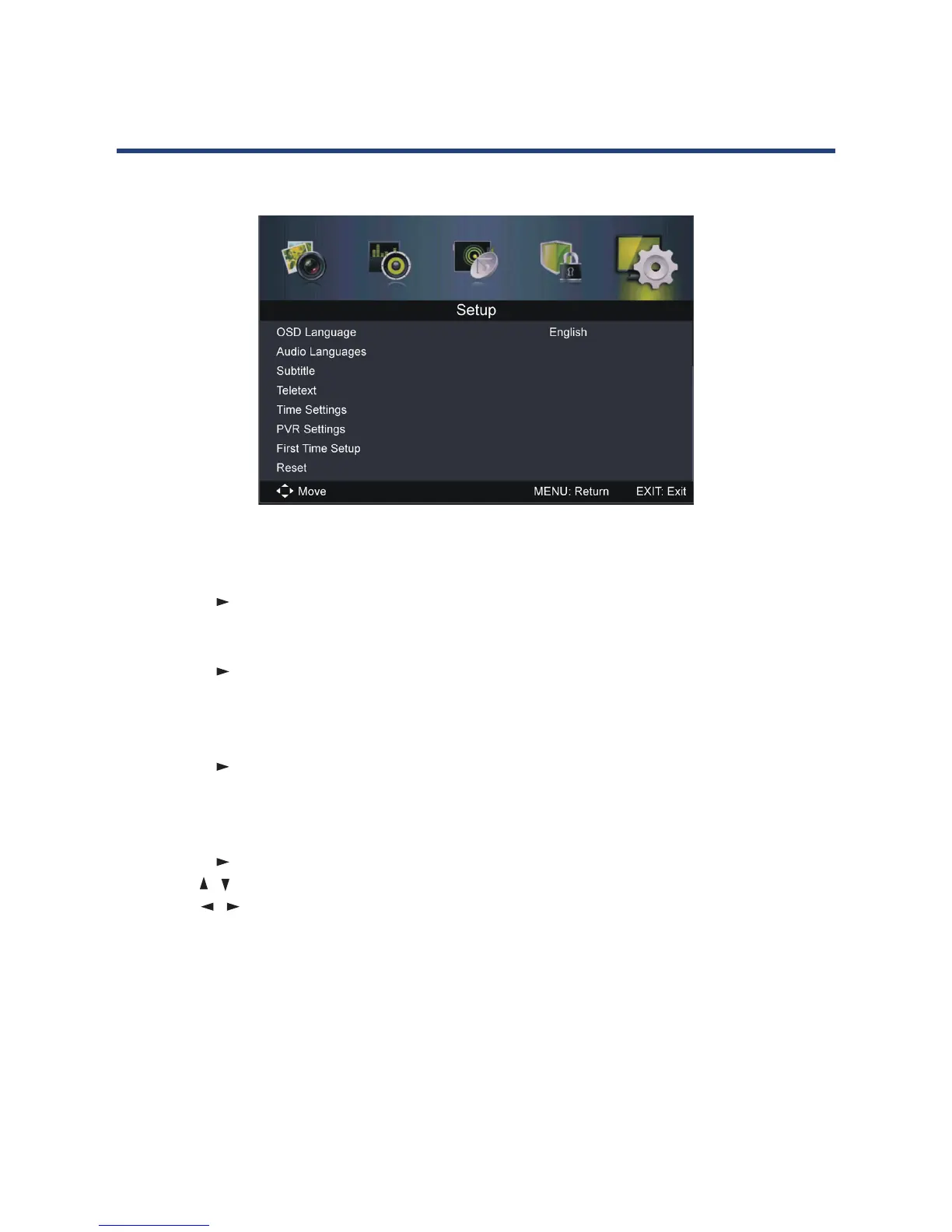
Setup menu (DTV & ATV mode)
OSD Language
• Use this item to select the desired on-screen display language.
Audio Languages
• Press OK or to enter. Then you can select the desired primary and secondary audio
language (only adjustable if there is a signal).
Subtitle
• Press OK or to enter. Then you can select the desired primary and secondary subtitle
language and turn on/o the Hearing Impaired function when this mode is on (only
adjustable if there is a signal).
Teletext
• Press OK or to enter. Then you can select the desired digital Teletext language and
decoding page language. (See the note on page iii for more information about Teletext in
Australia.)
Time Settings
• Press OK or to enter.
• Press the
/ button to select the desired item.
• Press the / button to adjust the value.
OSD Time: This item is used to select desired OSD menu duration. Available options: O,
10/20/30/60 seconds.
Sleep Timer: This item is used to adjust the Sleep Timer.
Available options: O, 5/15/30/60/90/120/240 minutes.



 To Next Page