41
Menu (Cont.)
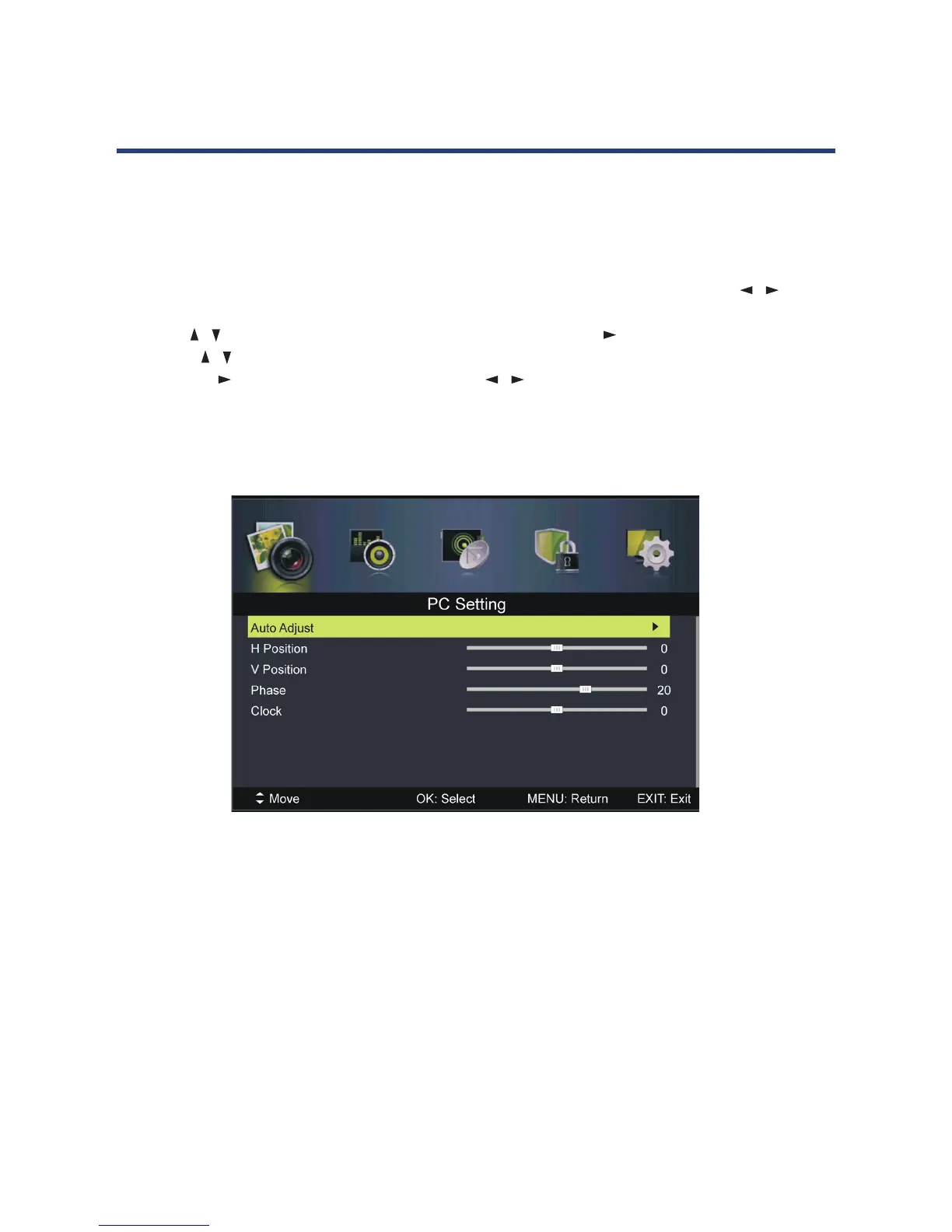
PC Mode
• Connect a personal computer to this unit and power on both the computer and this unit.
• Press the SOURCE button on the bottom of the front panel, or on the remote control, to
select PC input source.
• Press the MENU button to display the main menu, then select Picture using the /
buttons.
• Use the / buttons to highlight PC Setting, then press OK or to enter.
• Press the / buttons to select the preferred item.
• Press OK or to enter the submenu, press the / buttons to adjust the value.
Auto Adjust
Use this item to adjust the PC screen automatically.
H Position
Use this item to adjust the horizontal position value from -30 to 30.
V Position
Use this item to adjust the vertical position value from -30 to 30.
Phase
Use this item to adjust the phase value from 0 to 31.
Clock
Use this item to adjust the signal transfer speed from -30 to +30.
NOTE: For other menu operations in PC mode, please refer to the menu operations of DTV
mode.
NOTE: A signal must be connected in order to change these settings.



 To Next Page