39
Menu (Cont.)
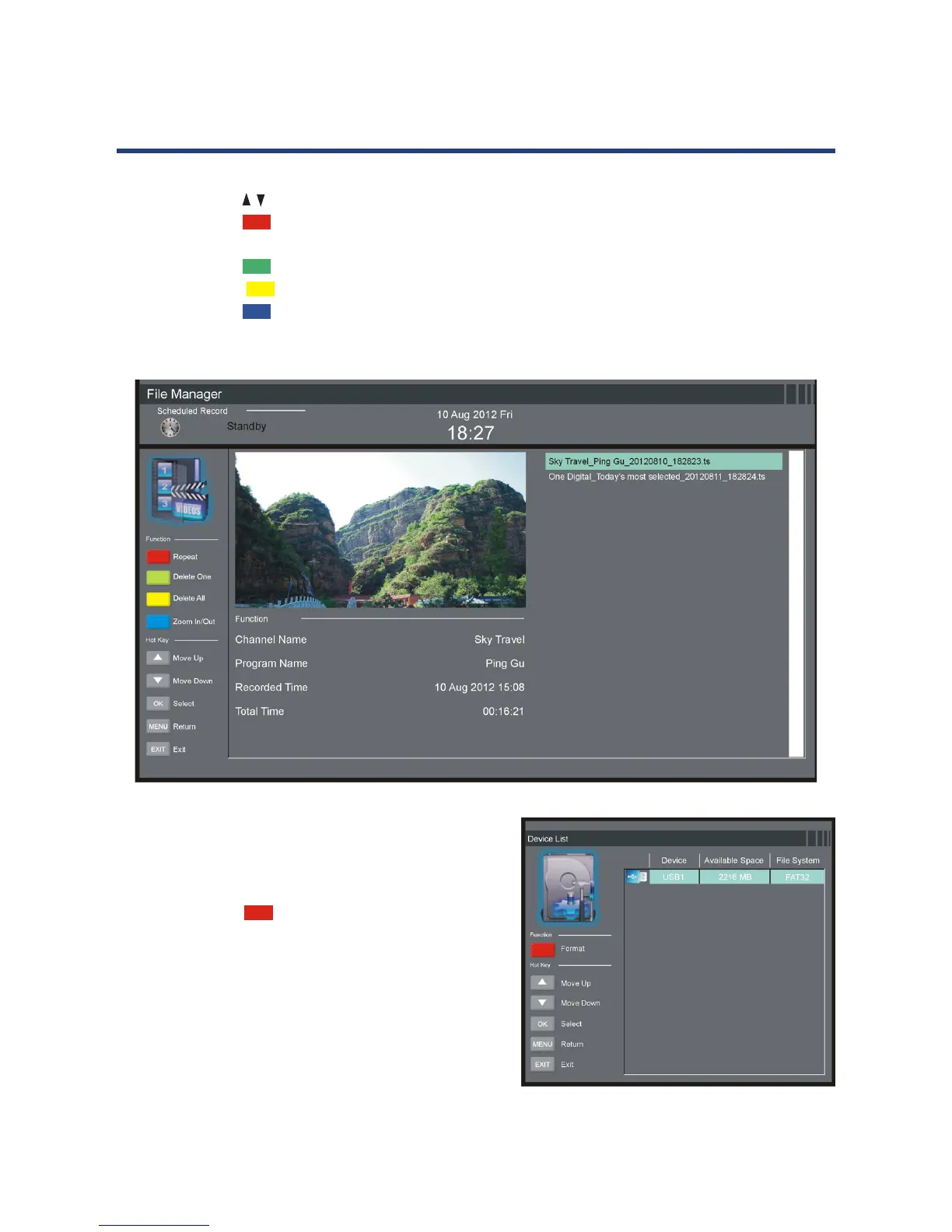
File Manager
• Press the / button to select a recorded le.
• Press the RED button on the remote control to play the highlighted le from the
beginning.
• Press the GREEN button to delete the highlighted le.
• Press the YELLOW button to delete all recorded les.
• Press the BLUE button to zoom in/out.
Device List
• In this item you can check the available space
and le system of
your memory device connected to USB1 port.
• Press the RED button on the remote
control to format your USB1 memory device.



 To Next Page