17
Examples
# Display network interface information for all VMs.
<Sysname> display vminterface
VM: centos7
Interface Type Model MAC
---------------------------------------------------
VMEth0/9 ethernet e1000 0010-1110-5872
PF0/VF0 hostdev - 0010-1110-587a
VM: winserver2012
Interface Type Model MAC
---------------------------------------------------
VMEth0/10 ethernet e1000 0255-0255-0261
# Display network interface information for VM centos7.
<Sysname> display vminterface vm centos7
Interface Type Model MAC
---------------------------------------------------
VMEth0/9 ethernet e1000 0010-1110-5872
PF0/VF0 hostdev - 0010-1110-587a
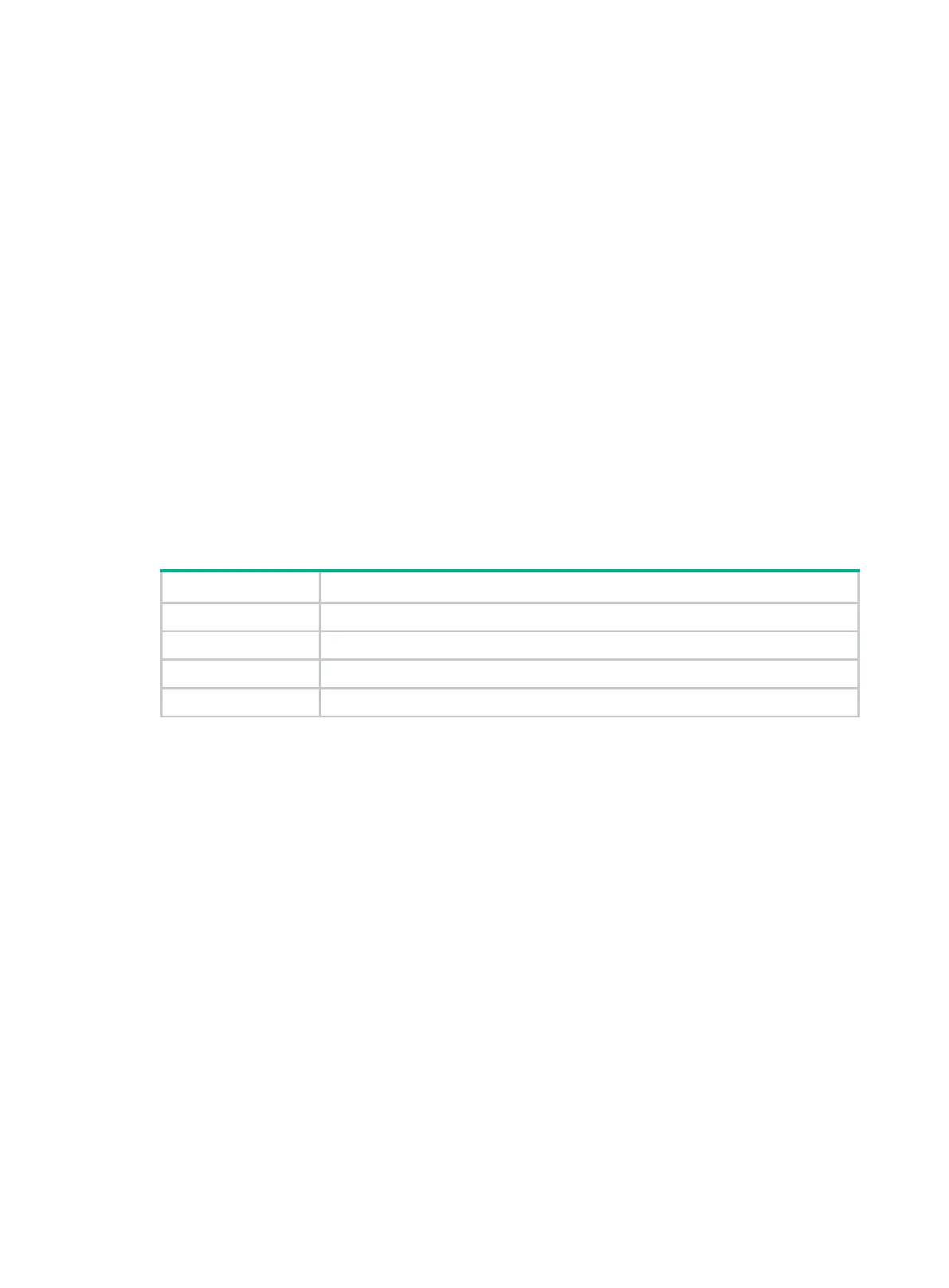
Table 8 Command output
Interface Name of the network interface.
Type Type of the network interface.
Model NIC mode.
MAC MAC address of the VM NIC.
display vmlist
Use display vmlist to display the VM list.
Syntax
display vmlist
Views
Any view
Predefined user roles
network-admin
Examples
# Display the VM list.
<Sysname> display vmlist
Id Name Status
------------------------------------------
1 centos7 running
2 winserver2012 shutoff



 To Next Page