ONYX monitors constantly all important parameters. Almost any major failure within one of the low
voltage or the high voltage circuits would be detected and reported immediately
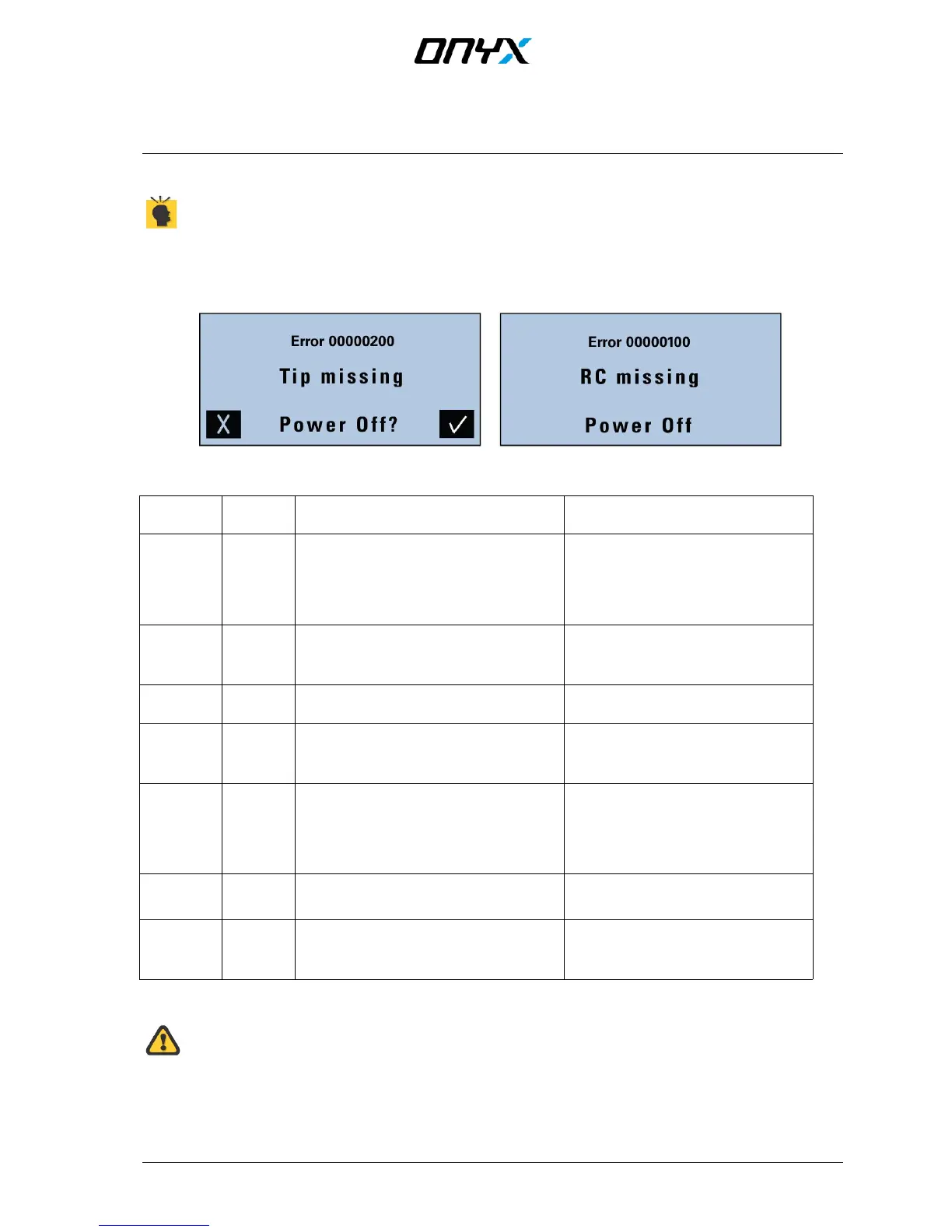
When errors occur during operation of the ONYX, a warning message will appear.
If an error occurs, the ONYX will either request how to proceed, or following a warning, automatically switch off the unit
to avoid possible damage.
Fig. 15 error messages
Error Code
Message Possible cause Action needed
0000 0001 Battery
voltage
error
Battery voltage too high
Battery voltage too low
Discharge battery via battery
charger and re-charge or
try other battery
Charge battery or try other battery
0000 0100 RC
missing
RC moudule missing or
damaged RC module
Switch off unit a place RC module
correctly or try another
RC module (if available)
0000 0200
TIP
missing
Tip missing or not placed correctly
Switch off unit and place tip
correctly
0000 0400 Charger The charger is connected to the battery
while the ONYX is in operation
Switch off ONYX while charging
battery, or remove battery from
ONYX to charge
0000 4000 HV not
reached
This error may occur only in air
discharge mode, and indicates that
either a short circuit from tip to earth
has occurred, or that tip is too close to
the target
Check test setup
0000 8000 Timeout
HV low
The internal HV-capacitor discharge
circuit does not work correctly
Switch ONYX off and on again. If
error persists, unit need to be
repaired
0001 0000 Flash
memory
error
Error occurred while ONYX was writing
to memory. Setup will restore default
settings
Turn unit off using the power off
button on the display. Turn unit on
and try again
Table 4 error messages


 To Next Page