63
hager
GB
Present display
The screen is divided into two distinct zones:
- a zone near the touch pads, used to display the
function associated with the touch pad, called
“Label”.
- a central zone, used to display information called
the “Central display”.
3.2 The screen
Central
display
Labels
62
3.1 The touch pads
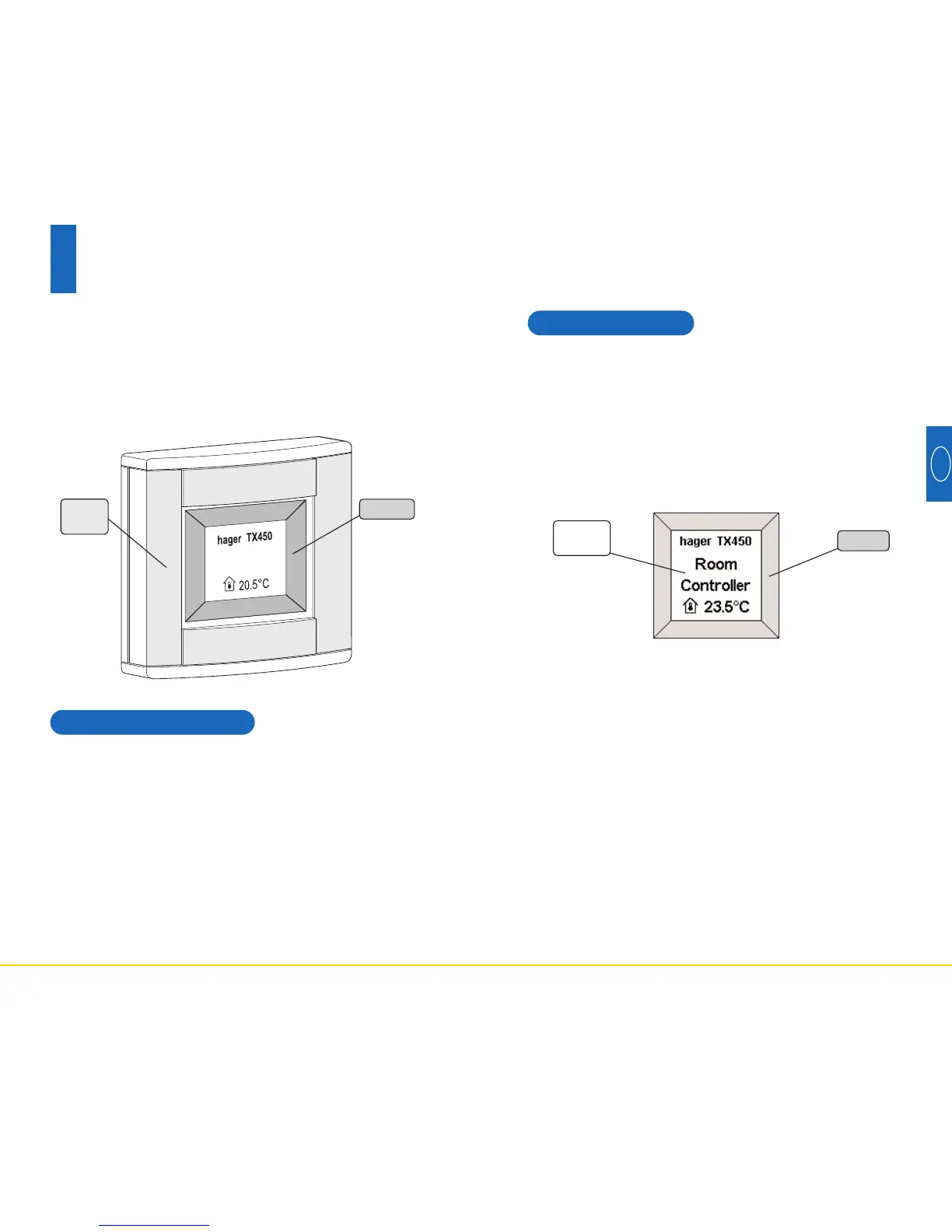
The Room Controller has four fully configurable touch
pads.
The function of each touch pad is indicated on the screen
in the label associated with it.
To activate a function, simply press the corresponding
touch pad.
When the use of a touch pad is not permitted, the
Room Controller emits an error beep.
Description
3
The Room Controller comprises:
- a box with four touch pads
- a backlit liquid crystal (LCD) screen
- a temperature measurement sensor
- an alarm clock.
Touch
pads
Labels



 To Next Page