69
hager
GB
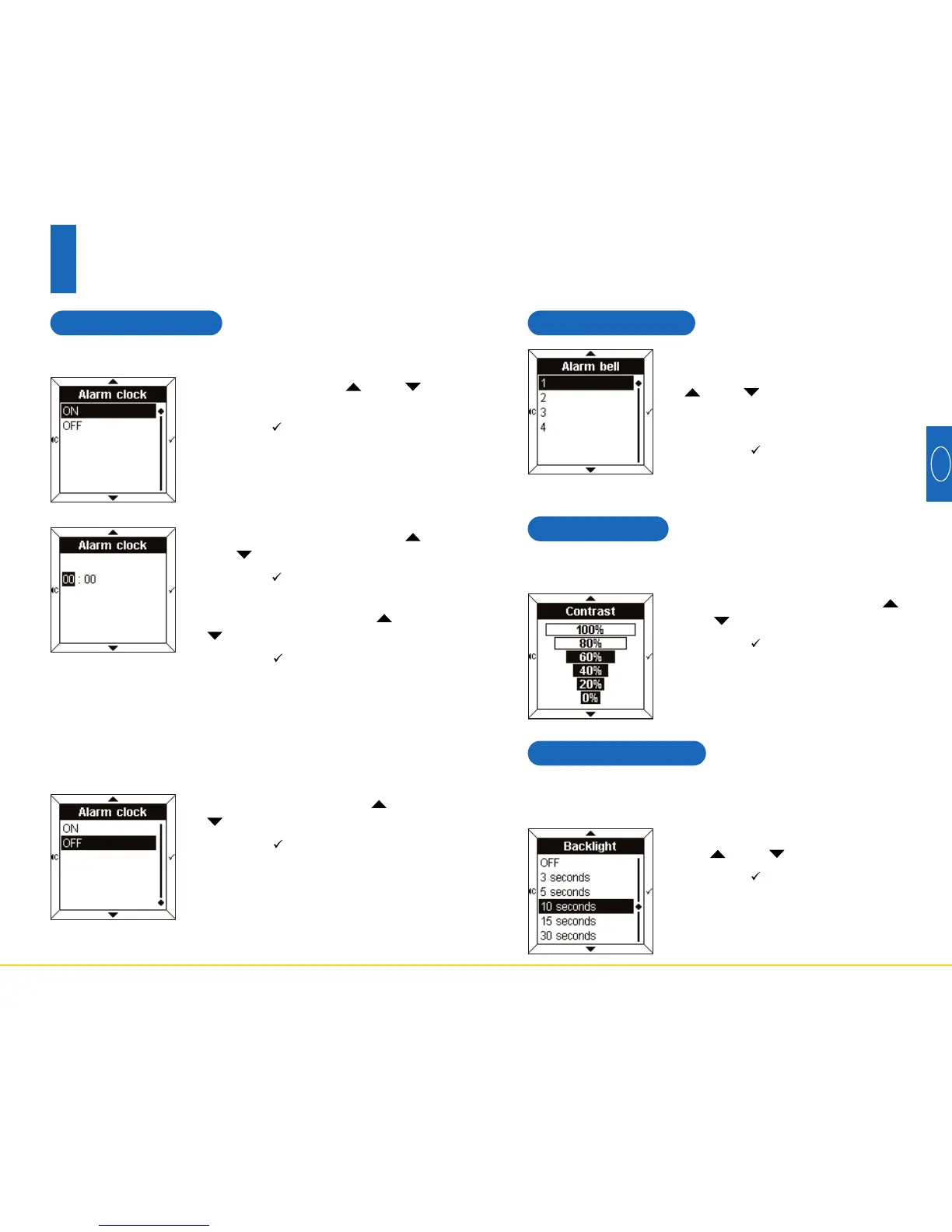
5.4 Contrast
• Select the contrast using the
and touch pads.
• Press the touch pad to confirm
and return to the Settings screen.
5.5 Backlighting
• Select the desired period using
the and touch pads.
• Press the touch pad to confirm
and return to the Settings screen.
This menu may be used to optimise the display in relation
to the external luminosity.
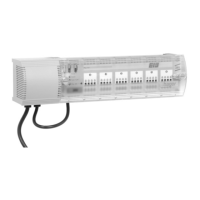
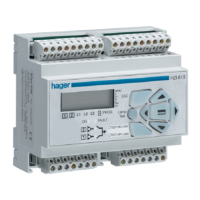
Each time it is used, the Room Controller is illuminated
for a short period of time. You can change the period or
deactivate the backlighting in this menu.
5.3 Alarm bells
• Select the alarm bell associated
with the alarm clock using the
and touch pads.
The melody chosen will play for a
few seconds.
• Press the touch pad to confirm
and return to the Settings screen.
68
Settings mode
5
5.2 Alarm clock
• Select ON using the and
touch pads.
• Press the touch pad to confirm.
• Set the alarm time using the
and touch pads.
• Press the touch pad to confirm.
The cursor then moves to minutes.
• Set the minutes using the and
touch pads.
• Press the touch pad to confirm
and return to the Settings screen.
To activate the alarm clock
• Select OFF using the and
touch pads.
• Press the touch pad to confirm
and return to the Settings screen.
To deactivate the alarm clock



 To Next Page