71
hager
GB
Configuration mode
6
To access the Configuration mode:
• Press two of the four touch pads simultaneously for 6
seconds.
After 3 seconds, the Settings screen is displayed.
• Hold down the touch pad.
• Release the touch pads when the 2nd BEEP sounds.
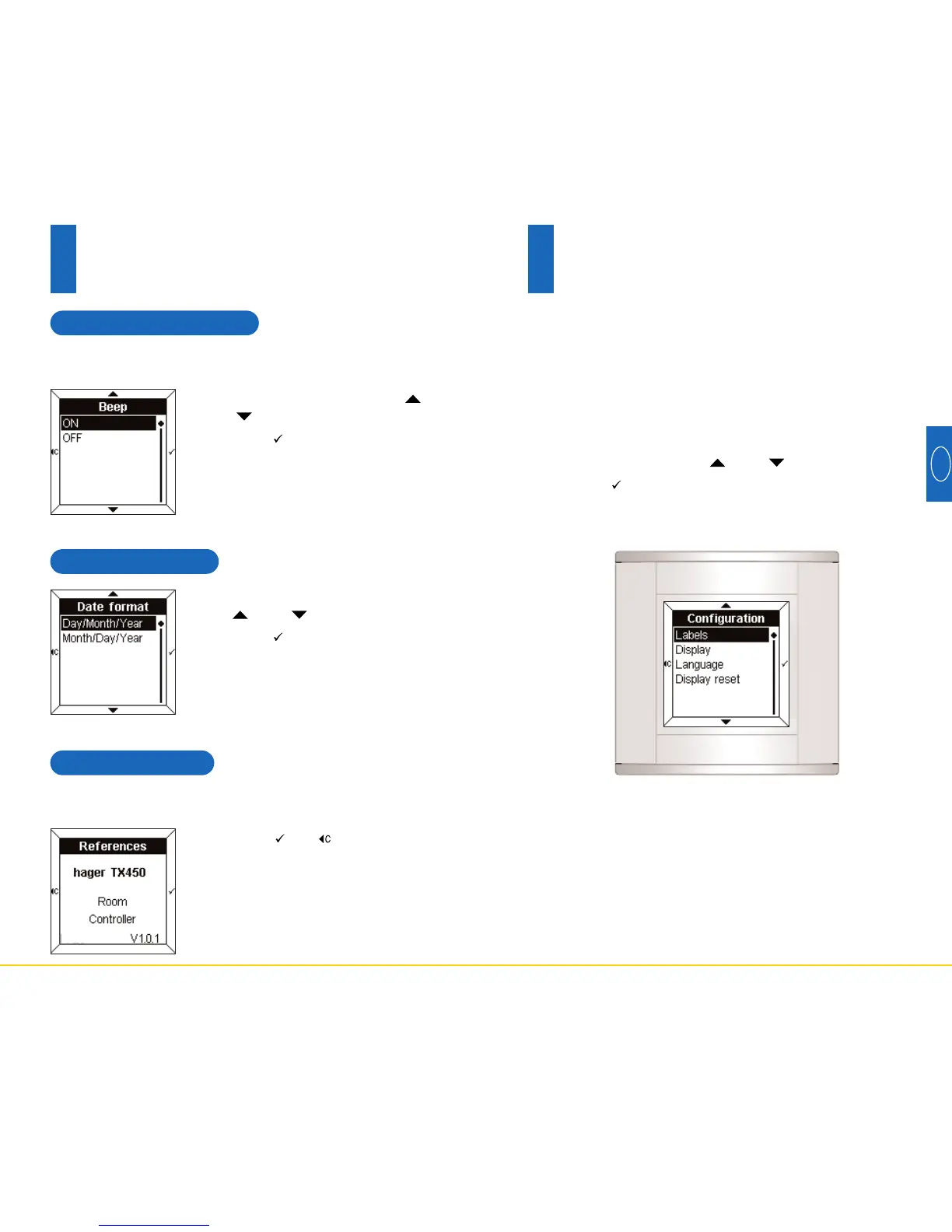
The Configuration screen appears.
• Select a menu using the and touch pads.
• Press the touch pad to access the menu.
70
5.7 Date format
• Select the desired format using
the and touch pads.
• Press the touch pad to confirm
and return to the Settings screen.
5.8 References
• Press the or touch pad to
return to the Settings screen.
5.6 Touch pad beep
• Select ON or OFF using the
and touch pads.
• Press the touch pad to confirm
and return to the Settings screen.
An audio beep sound can accompany each touch pad
press (apart from the settings and configuration mode).
The information menu gives the reference of the Room
Controller and the software version in use.
Settings mode
5



 To Next Page