GB
22
4 Check the flash operation
• Press the master unit’s <Test icon flash> Test Button.
• The “Master” and “Slave” unit will then fire.
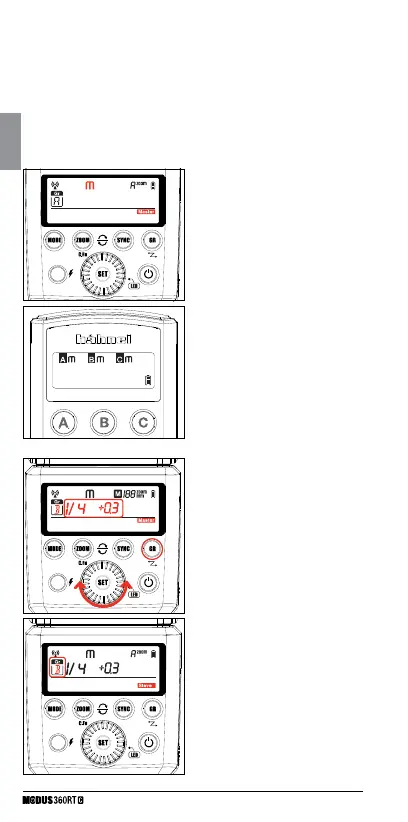
1 Master Unit Setting
• Attach 1st Modus 360RT (or Viper
Mini) to camera and set it as the
master unit. (Page 18)
• Check that <Group> A/B/C can be
set to Manual mode independently
2 Setting flash output
• Press <GR> button to select
the group
• Now turn the Select Dial to set
the flash output of this particular
group.
3 Slave Unit Setting
• Set 2nd Modus 360RT as the
wireless “Slave” unit. (Page 18)
• Set the slave unit to <Group> B.
4 Position of camera and
Speedlight
• Position the camera with the master
unit attached and the Modus slave
within radio range
M: Wireless Flash Shooting with Manual Flash
This describes wireless using manual flash. You can shoot with a
different flash output setting for each slave unit (firing group). Set all
parameters on the master unit.



 To Next Page