16
Operation
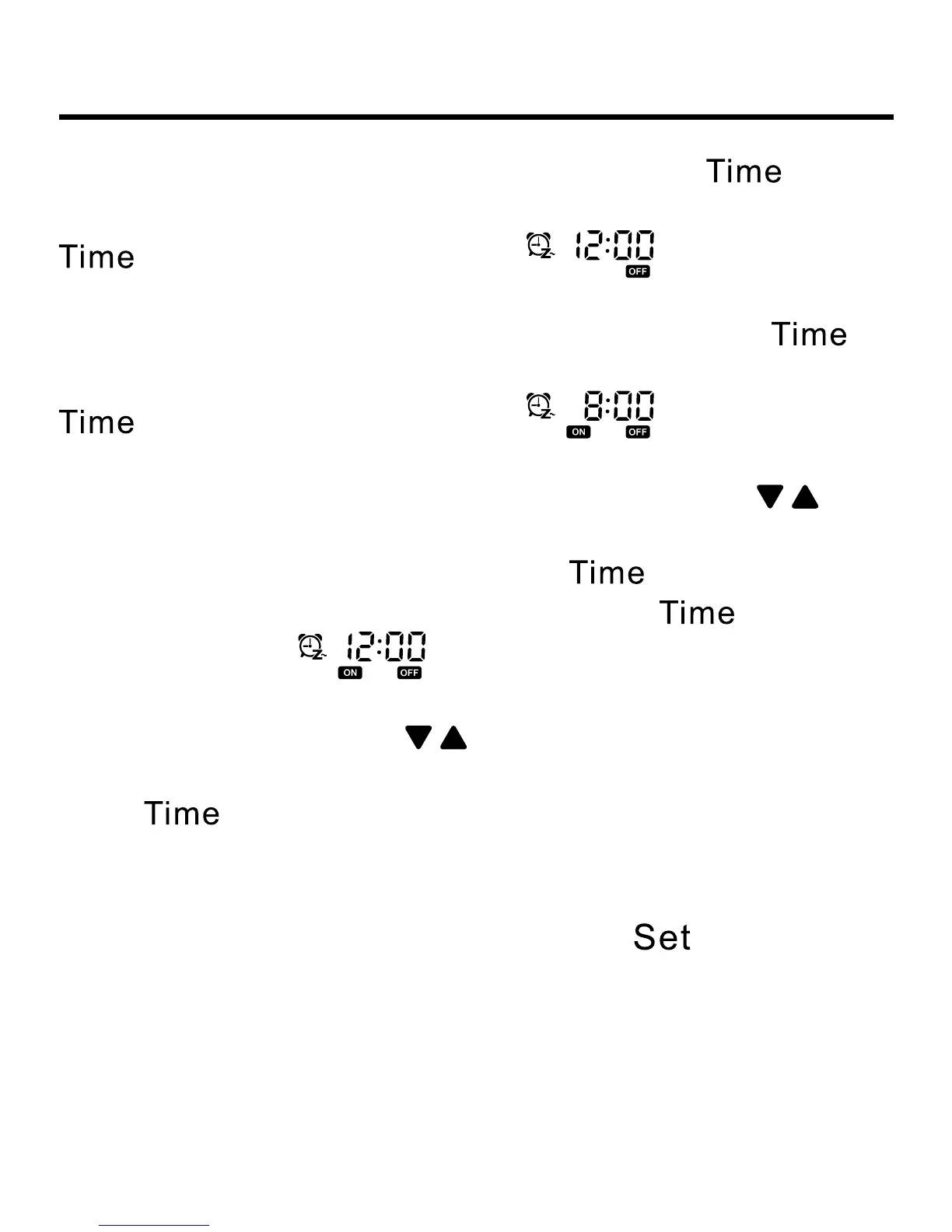
Then hour position and “ON” are ashing; Press key
again, the minute position and “ON” are ashing; Press
key again, it displays default for the rst time
(previous setting will be displayed if there is setting before).
Then the hour position and “OFF” are ashing; Press
key again, the minute position and “OFF” are ashing; Press
key again, it displays default for the rst time
(previous setting will be displayed if there is setting before).
Then the hour position and “ON” are ashing. Press to
adjust the timer, minus/add 1 hour a time. Keep pressing to
accelerate the adjusting speed; Press
key again, the
minute position and “ON” are ashing; Press
key again,
it displays default for the rst time (previous setting
will be displayed if there is setting before). Then the hour and
“OFF” are ashing. Press to adjust the timer, minus/add 1
hour a time. Keep pressing to accelerate the adjusting speed;
Press
key again, the minute position and “OFF” are
ashing. The controller will judge the order of timer on and off
and use the arrow to show the order. First ON then OFF: ON→
OFF; First OFF then ON: ON←OFF. Press
to conrm the
setting. If there is no input for 10s, this setting will be cancelled
and the timer will come back to the previous state.



 To Next Page