Precautions
1)
2
3
4
5
6
Ceramic Heating Element cannot stand excessive force. Never strike Soldering
Iron against work-bench or solid surface.
Make sure the Nut securing the Tip Enclosure is properly tightened.
Use exclusive Tips for 900 only.
Operate in lower tip temperature.
Exceptionally high thermal recovery allows a lower temperature
setting thereby protecting sensitive components and extending tip life.
Power off when replace the tip. Or Heating Element or Tip may be damaged.
Never file the specially plated tip.
Operating Instruction
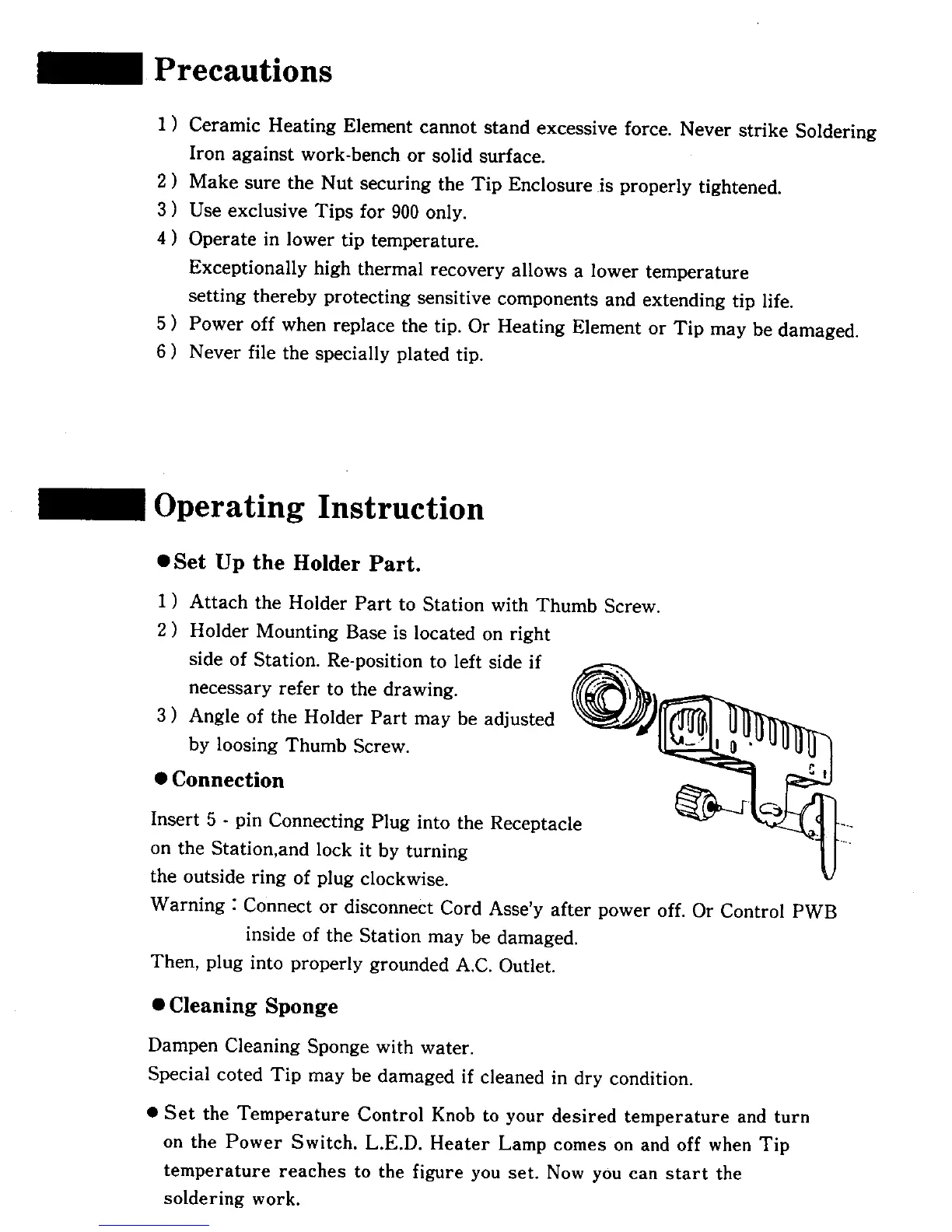
• Set Up the Holder Part.
1
2
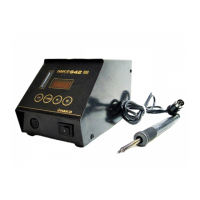
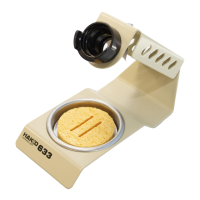
Attach the Holder Part to Station with Thumb Screw.
Holder Mounting Base is located on right
side of Station. Re-position to left side if
necessary refer to the drawing.
Angle of the Holder Part may be adjusted
by loosing Thumb Screw.
• Connection
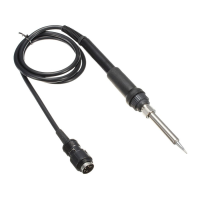
Insert 5 - pin Connecting Plug into the Receptacle
on the Station,and lock it by turning
the outside ring of plug clockwise.
Warning : Connect or disconnect Cord Asse'y after power off. Or Control PWB
inside of the Station may be damaged.
Then, plug into properly grounded A.C. Outlet.
• Cleaning Sponge
Dampen Cleaning Sponge with water.
Special coted Tip may be damaged if cleaned in dry condition.
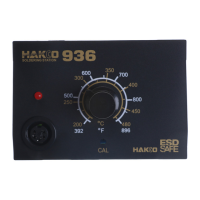
• Set the Temperature Control Knob to your desired temperature and turn
on the Power Switch. L.E.D. Heater Lamp comes on and off when Tip
temperature reaches to the figure you set. Now you can start the
soldering work.










 To Next Page