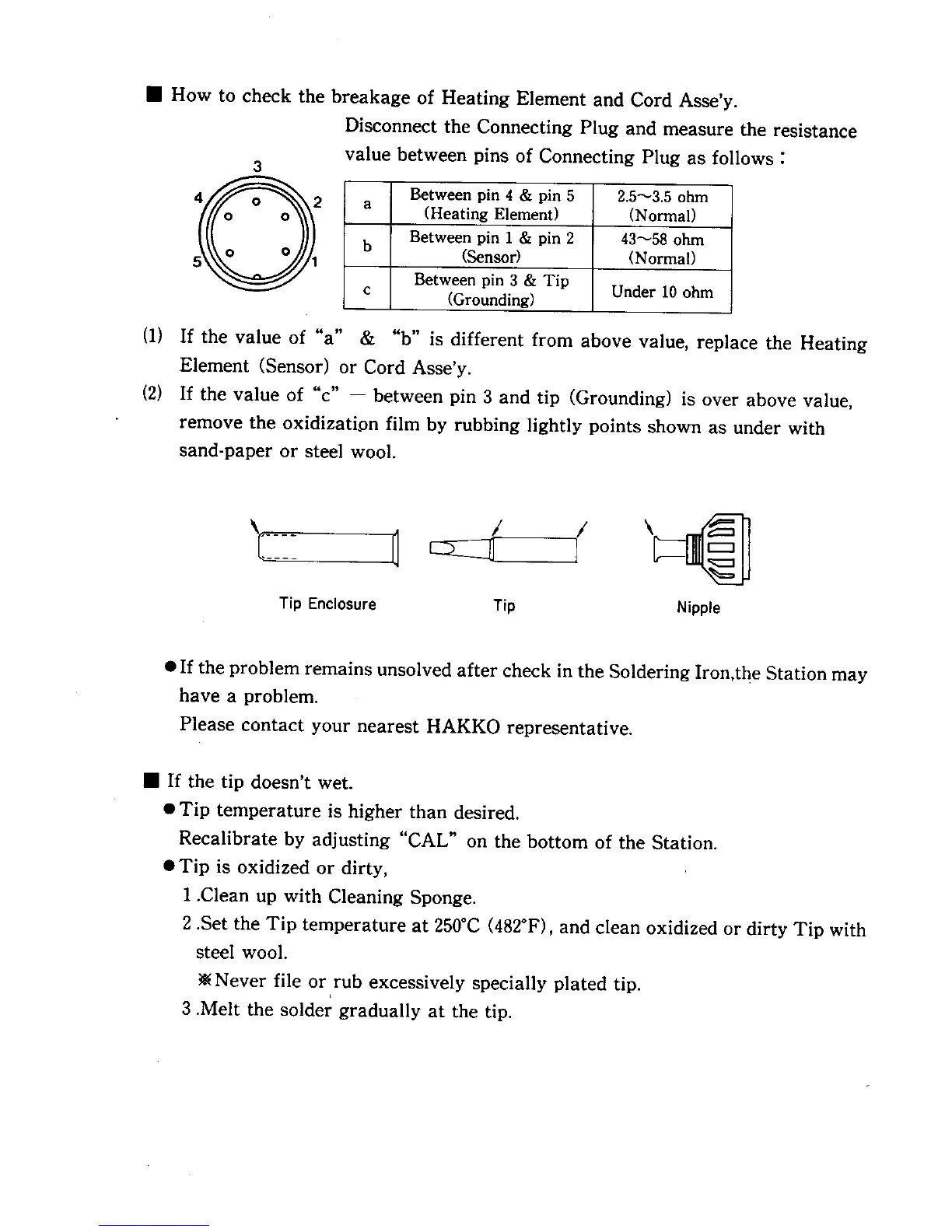
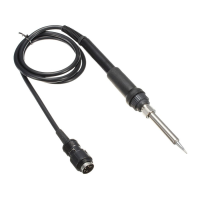
• How to check the breakage of Heating Element and Cord Asse'y.
Disconnect the Connecting Plug and measure the resistance
3
value between pins of Connecting Plug as follows :
Between pin 4 & pin 5 2.5_-3.5 ohm
a (Heating Element) (Normal)
Between pin 1 & pin 2 43_58 ohm
b (Sensor) (Normal)
Between pin 3 & Tip Under 10 ohm
c (Grounding)
(I) If the value of "a" & "b" is different from above value, replace the Heating
Element (Sensor) or Cord Asse'y.
(2) If the value of "c" -- between pin 3 and tip (Grounding) is over above value,
remove the oxidizatipn film by rubbing lightly points shown as under with
sand-paper or steel wool.
Tip Enclosure Tip Nipple
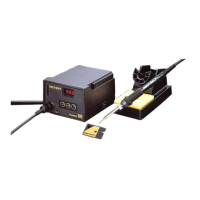
• If the problem remains unsolved after check in the Soldering Iron,the Station may
have a problem.
Please contact your nearest HAKKO representative.
• If the tip doesn't wet.
• Tip temperature is higher than desired.
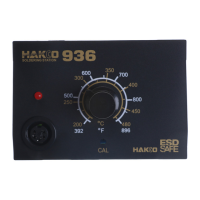
Recalibrate by adjusting "CAL" on the bottom of the Station.
• Tip is oxidized or dirty,
1 .Clean up with Cleaning Sponge.
2 .Set the Tip temperature at 250°C (482°F), and clean oxidized or dirty Tip with
steel wool.
• Never file or rub excessively specially plated tip.
i
3 .Melt the solder gradually at the tip.










 To Next Page