10. TROUBLE SHOOTING GUIDE
WARNING:
• Before opening the FP-101, or replacing parts, be sure to disconnect the power plug. Failure
to do so may result in electric shock.
● The unit does not
operate when the power
switch is turned on.
CHECK : Is the plug disconnected?
ACTION
: Connect it.
● The tip does not heat up.
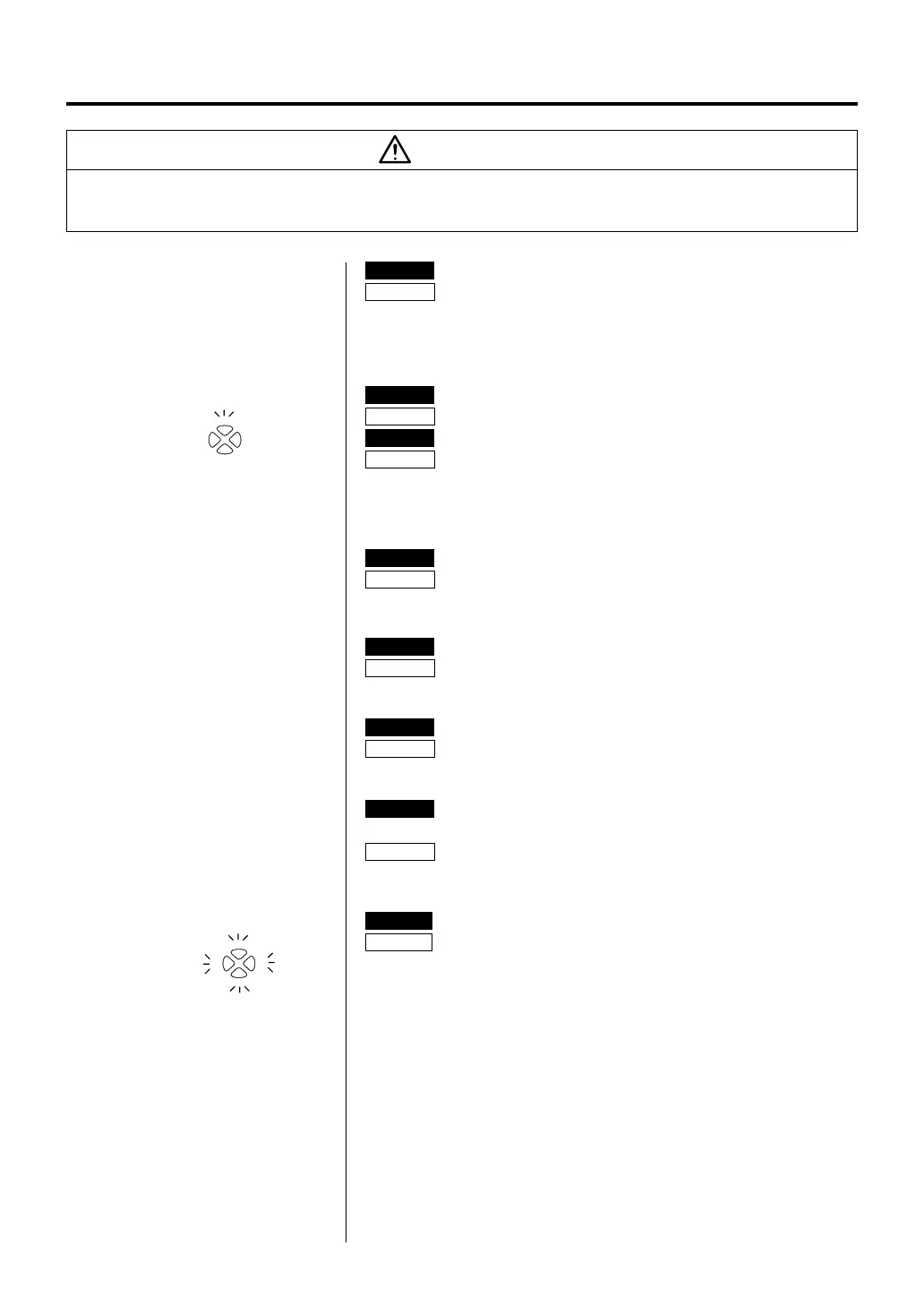
•‘Sensor error’
7.5
6.5
8.07.0
is
displayed.
CHECK : Is the tip inserted properly?
ACTION
: Insert the tip completely.
CHECK : Is the connection cord and/or the heater/sensor broken?
ACTION
: See the appropriate section of this manual regarding how
to check the connection cord and/or the heater/sensor for
breakage.
● Solder does not wet the
tip.
CHECK : Is the tip contaminated with oxide?
ACTION
: Remove the oxide (see “Tip maintenance” on P. 7).
● The tip temperature is
too high.
CHECK : Is the connection cord broken?
ACTION
: See “Checking the connection cord for breakage” on P. 8.
● The tip temperature is
too low.
CHECK : Is the tip contaminated with oxide?
ACTION
: Remove the oxide (see “Tip maintenance” on P. 7).
● The soldering iron error,
yellow and red lamp
blink.
CHECK : Is the wrong soldering iron connected? Or the FM-2021
plug disconnected?
ACTION
: Turn off the power switch, re-connect the FM-2021
soldering iron, then turn on the power switch.
10
● Heater terminal short
circuit error
7.5
6.5
8.07.0
is
displayed
CHECK : Is the tip for FM-2021?
ACTION
: Turn the power switch OFF and insert genuine FM-2021 tip.
Turn the power switch ON.















 To Next Page