5. INITIAL SETUP
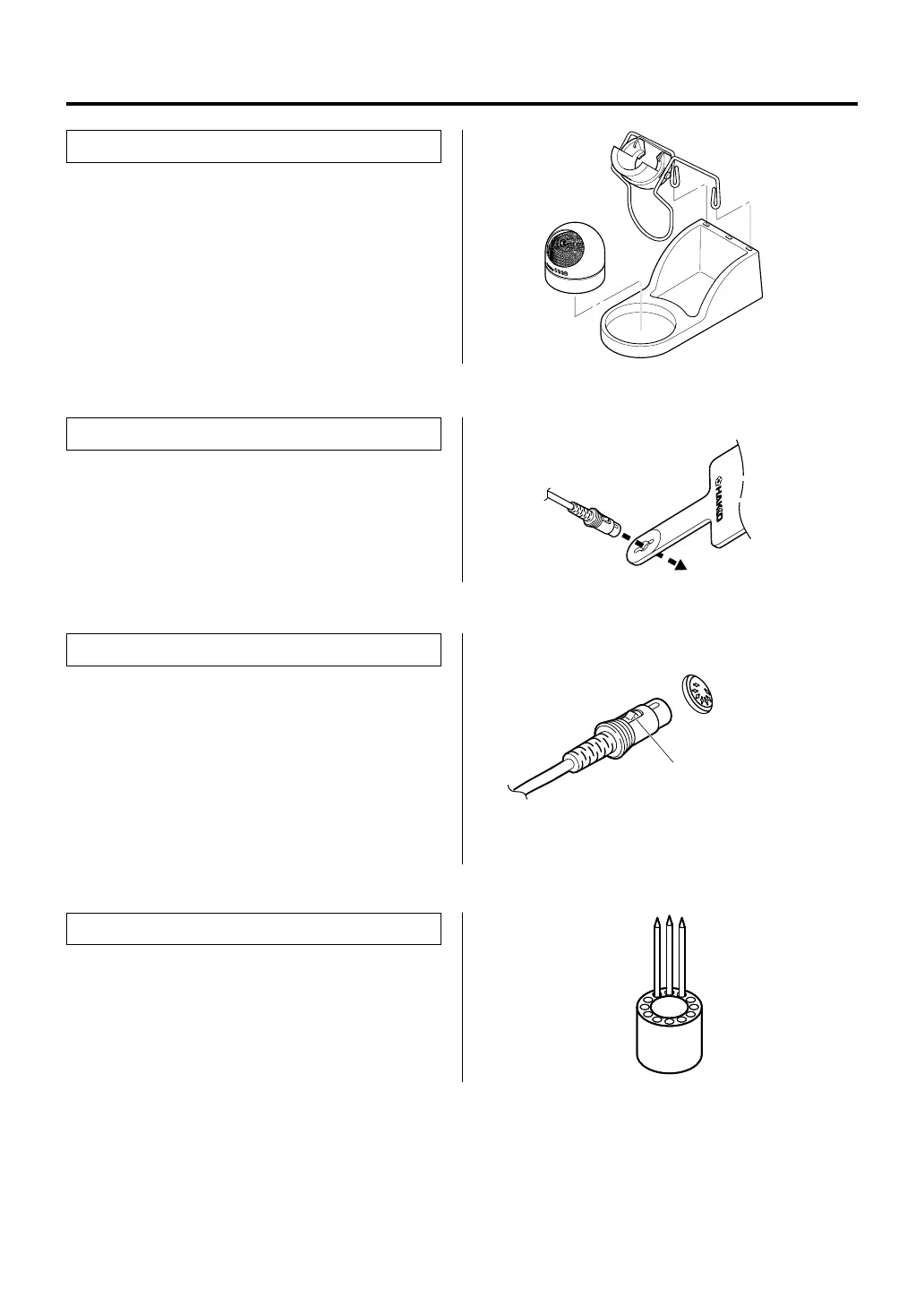
● Iron holder
Assemble as shown:
● Insert the holder assembly securely into
the Iron holder base.
● Connector cord
Pass the connector cord through the hole in the
heat resistant pad.
4
● Soldering station
1. Insert the connector cord into the receptacle
at the front of the station.
2. Plug the power cord into a grounded wall
socket. The FP-101 is protected against
electrostatic discharge and must be
grounded for full efficiency.
Receptacle
Push the connector in as far as
it will go. When the plug clicks,
it is fully inserted.
● Tip tray
Place spare tips in the tip tray.















 To Next Page