31
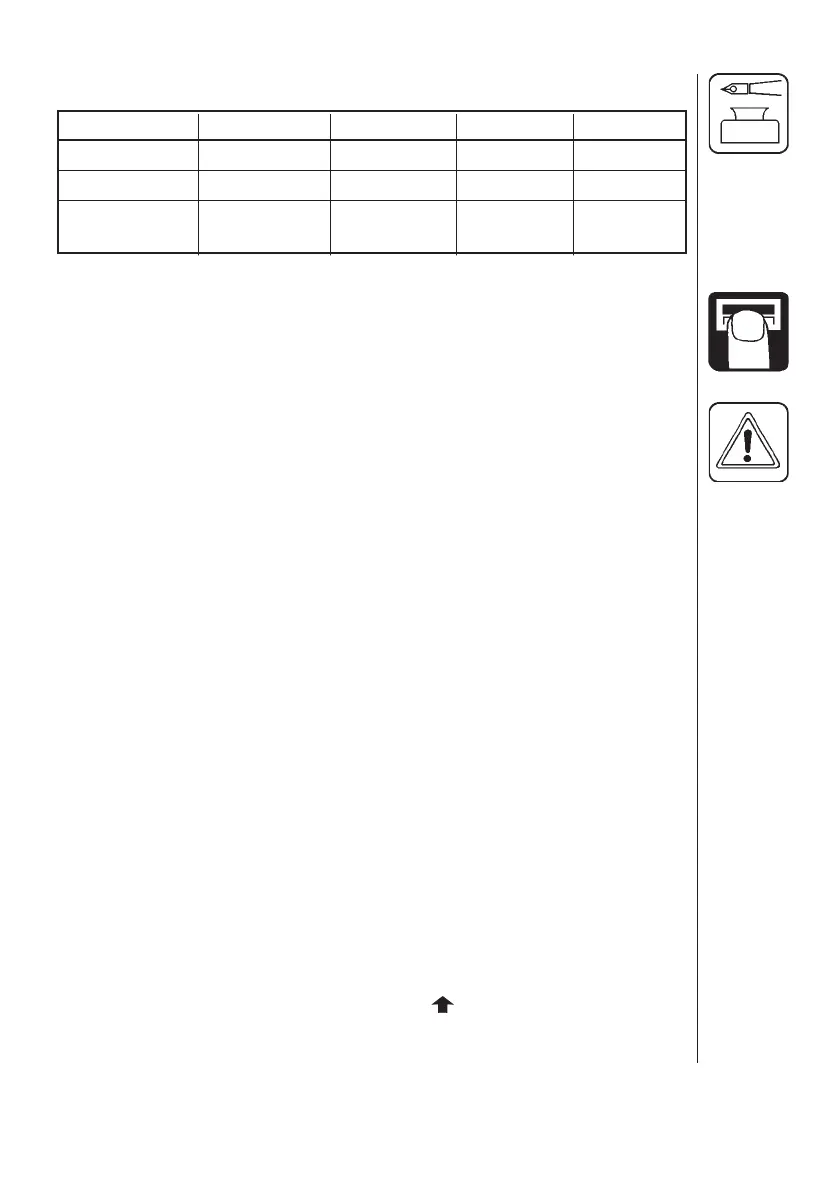
Chart for recording values
Menu Function 1 - Values 2 - Values 3 - Values
Nozzle /Colour
[ Flow constant ] Flow PPU
[ Speed constant ] Speed UPP
Extended menu
Access the extended menu by pressing both arrow keys at the same time until
the menu changes.
The extended menu written in English only.
NOTE: Re-start the system after leaving the Extended menu.
Menu Function [ choices ]
[ Language ] To select language.
[ GB, DK, F, E, D, Cz, SF, NL, I, S ]
[ Unit ] To set unit of measurement. [ Metric, USA ]
[ ON/OFF valve ] To select EC or EVC/CB control unit.
[ Present, not present ]
[ Pressure system ] To select pressure system.
[ Equalisation, No equalisation ]
[ Control box ] To indicate control box connection.
[ Lunch box, Spray box, Not connected ]
(To July 2003): Lunch box indicates rectangular control box.
(From Aug. 2003): Spray box indicates wave shaped control box.
[ Tank volume max ] To pre-set tank volume indicated at start-up.
[ Analog adjust ] To calibrate the optional transducer.
[ max., min., oset in mA ]
[ Analog unit text ] To choose the unit of measurement.
[ Bar, PSI, deg C, deg F, % R.H ]
[ Regulation con. ] For the sensitivity of the pressure regulation valve.
[ Min. press. cycle ] Sets the minimum power supply for pressure
regulation. The value is increased until the pres-
sure regulation valve starts to turn.
Use page key to toggle between no regulation (-),
increase pressure (
) and



 To Next Page