J
K
L
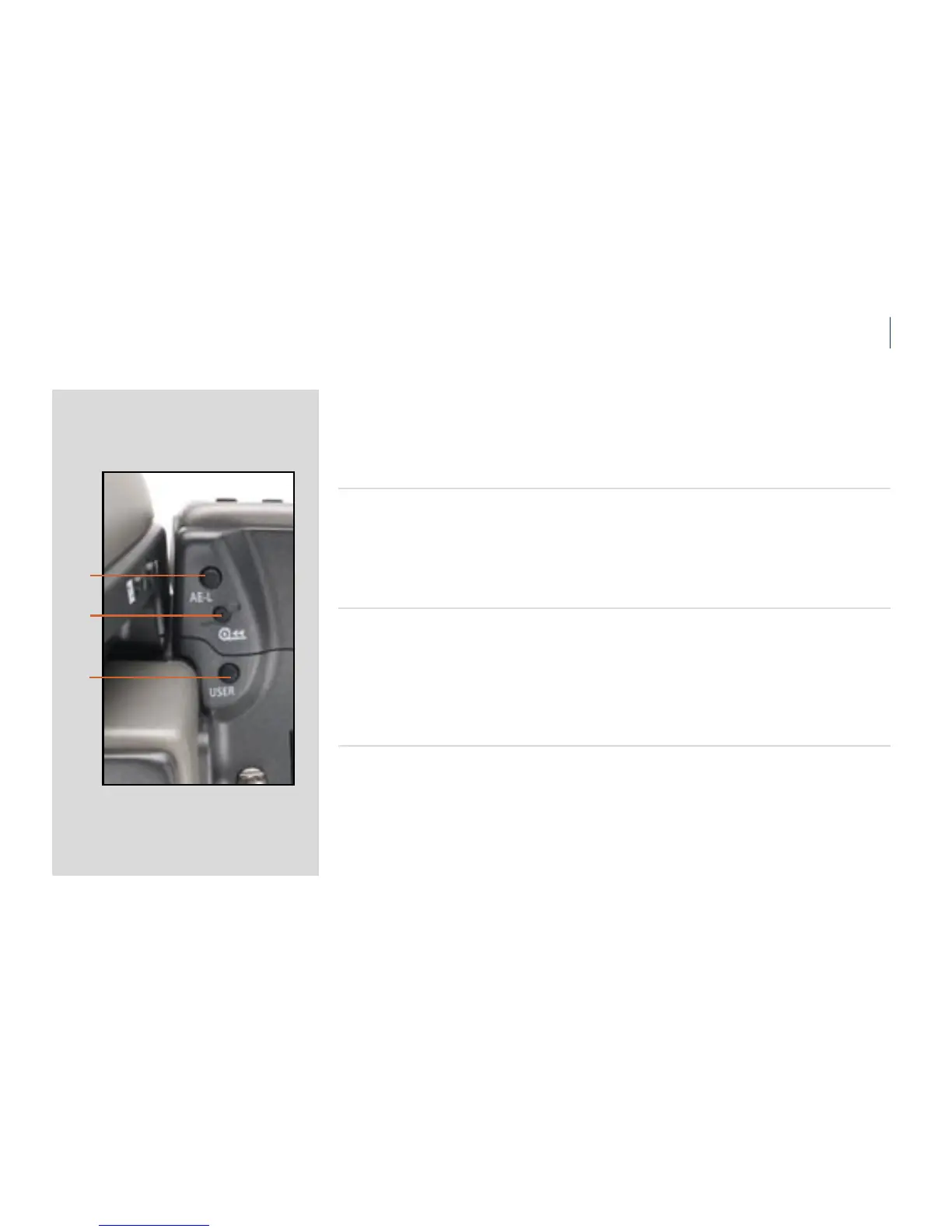
On the rear of the grip, as well as the rear control wheel, there are also a further three control
buttons:
AE-L button J
is button that can lock a light reading made in both automatic and manual exposure
modes. It can also be used in Zone mode to take a new reading. Can be designated another
function in Custom options.
See section on the AE-L button for full details.
Film wind-o button K
Pressing this button will automatically wind-o the remaining unexposed lm rapidly without
having to go through the normal lm advance / expose cycles to reach the end of the lm.
e button has been purposely designed to avoid inadvertent pressing, so use the tip of a
ball-point pen or similar to activate it. e grip LCD will display a message which you must
conrm before this procedure is carried out.
USER button L
is button is used to rapidly access a chosen function or screen. For example, you might
use bracketing a great deal and so by one press of this button you could access the bracketing
function without having to navigate through the menu. Can be designated another func-
tion in Custom options.
! This button is particularly useful and can save you a great deal of time and eort depending












 To Next Page