Parts & Components
A. Rubber eye cup
B. Hot shoe
C. Eyesight adjustment wheel
D. Exposure compensation button
E. Exposure method / mode button
F. Integral ash unit
G. Flash unit button
H. Viewnder release button
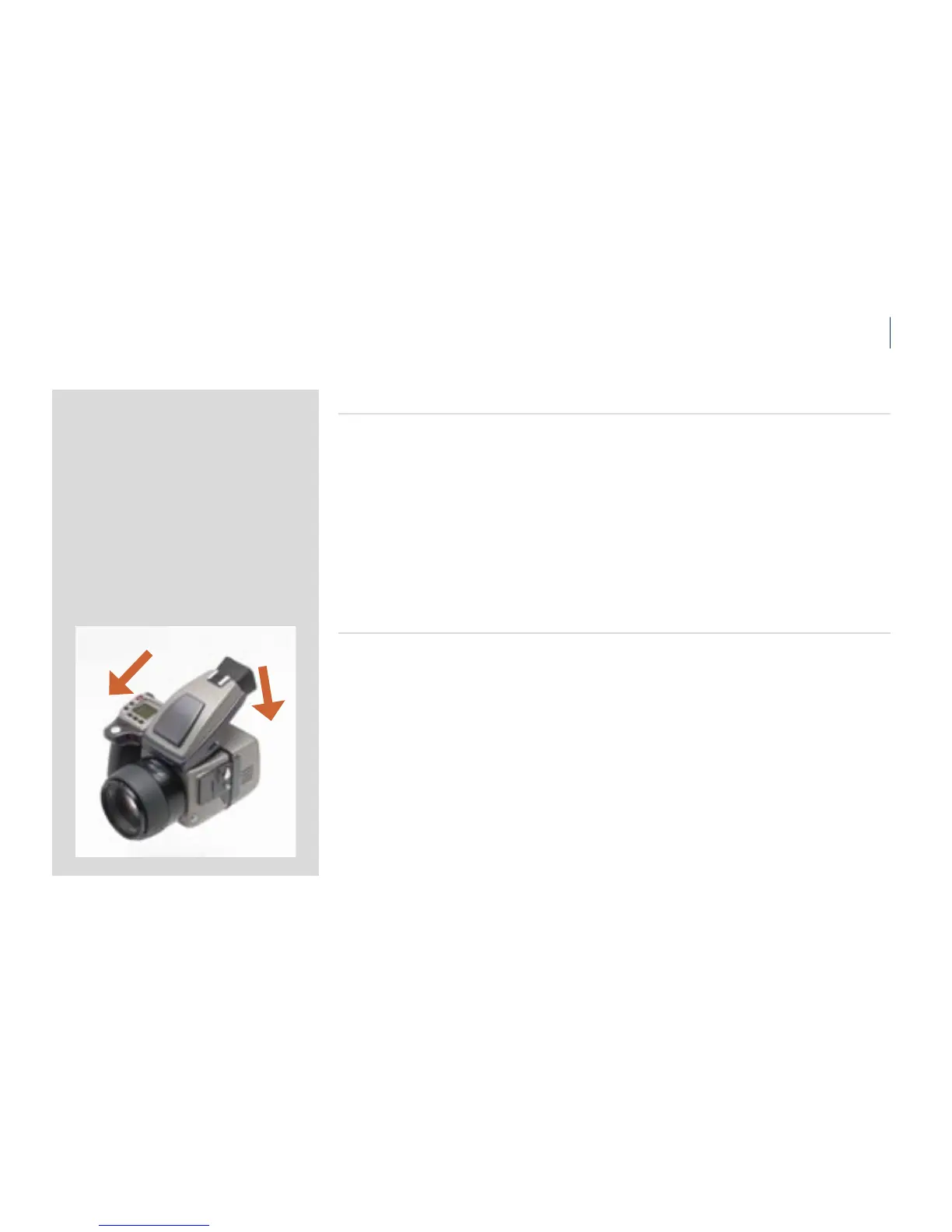
Attaching and removing the viewnder
While holding the viewnder at a slight angle and resting it on the top of the camera, slide
the viewnder forward until the front locating pin is in position in the recess in the front
edge of the viewnder screen aperture on camera body. Press the rear part of the viewnder
rmly downwards until it clicks into place.
Ensure that both sides of the viewnder are seated correctly and that it has been rmly
attached. Failure to do so could cause an intermittent malfunction if the databus interface
connections between the viewnder and camera body are not positively secured.
To remove, grasp the viewnder in the right hand and while depressing the viewnder release
button, li the rear of the viewnder up and away from the camera body.












 To Next Page