To disable the function, set the ONLY OP switch to
the OFF position.
PHOTO CLOSE FUNCTION
Enables the gate to close faster and saves energy. During opening, after activation of the photocells,
the gate will stop and with AUTO CLOSE enabled, after detecting a passage, the auto-closing time is
shortened and the gate will close after 5 seconds.
To turn on the function, set the PHOTO CL switch
to ON.
To disable the function, set the PHOTO CL switch
to OFF.
LIMIT SWITCH TYPE
The controller works with both normally open and normally closed limit switches. The supported type
is selected with a switch labeled NC / NO.
For NO type limit switches, set the NC / NO switch
to the ON position.
For NC type limit switches, set the NC / NO switch
to the OFF position.
DELETING ALL TRANSMITTERS
When the memory is full or we have problems with programming the transmitters, we must perform
the deletion procedure. We recommend that you perform this procedure first right after installing the
receiver.
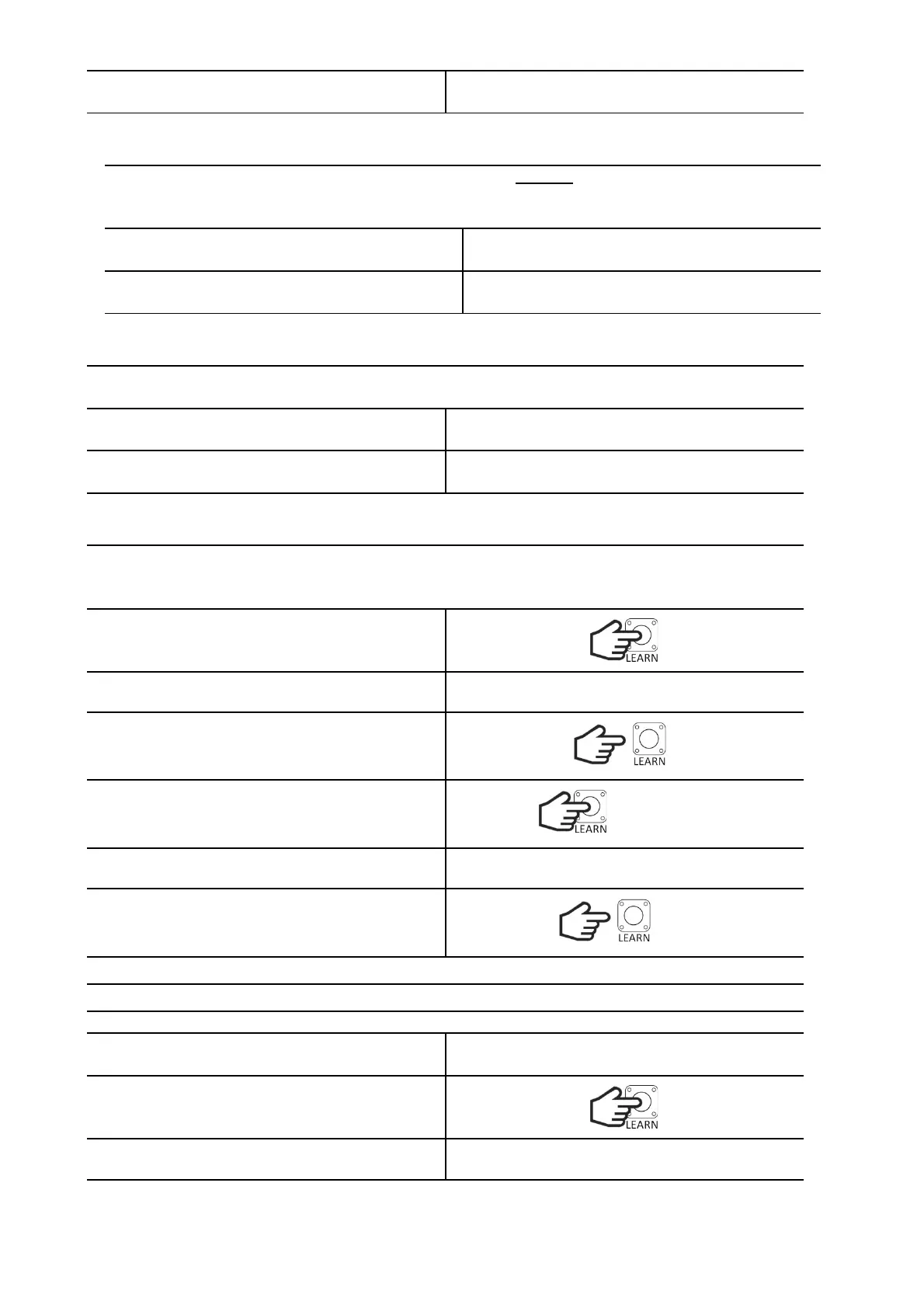
Hold down the LEARN button.
The LED will turn on, then turn off and flash.
Release the LEARN button. The LED will be on.
Within 3 seconds, hold the LEARN button again.
The LED will blink 3 times.
Release the button. The deletion procedure is
complete. When the diode stops blinking, the
receiver will return to normal operation.
DELETING TRANSMITTERS FROM A PARTICULAR FUNCTION
It is possible to delete transmitters only from a particular function (SBS or WICKET).
Enter the procedure for programming the
transmitters for the given function.
TRANSMITTER PROGRAMMING PROCEDURE
While waiting for the transmitter code, press and
hold the LEARN button.
The LED will blink 3 times.


 To Next Page