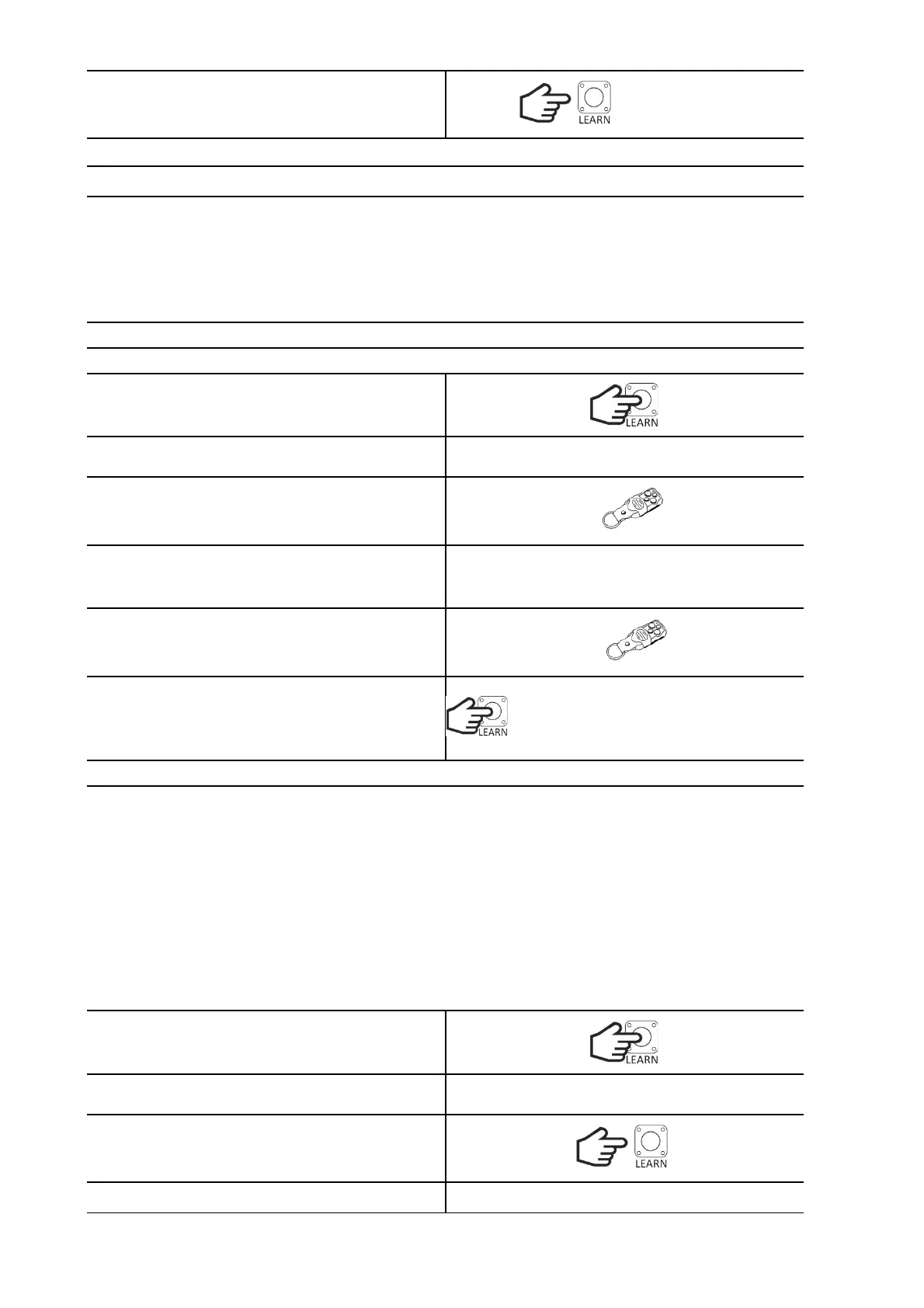
Release the button. When the diode stops blinking,
the deletion procedure is finished and the
controller will return to normal operation.
PROGRAMMING OF TRANSMITTERS
A maximum of 28 transmitters with a Keeloq dynamic code can be programmed. Each button must be
learned separately. It is possible to change the buttons controlling a given function of an already
programmed transmitter by re-programming another button. When programming changes, remember
that when programming for a given function, a button that has not been programmed will replace the
button previously programmed in that function. A button previously programmed to one function,
after being programmed to another, only works in the other function.
Programming the transmitter for the SBS sequence control function.
Hold down the LEARN button for less than 3s.
The LED will flash rapidly.
Press the transmitter button within 10 seconds.
Correct programming will be signaled by the LED
blinking three times. 2 blinks indicate full memory.
1 blink means the end of the learning time.
After correct programming, we have another 10s
to program the other transmitters, etc.
To finish the procedure, wait 10 seconds from the
last programming or shortly press the LEARN
button. LED will blink and the receiver will return
to normal operation.
Programming the transmitter for the WICKET function
It allows the gate to be opened to the set width. With the PHOTO CLOSE function active, when an
obstacle appears in the opening of the photocells, the gate will stop. It can be closed by pressing the
manual control button or the remote control assigned to this function. In conjunction with the AUTO-
CLOSE and PHOTO CLOSE functions enabled, during opening, when an object appears in the light of
the photocells, the gate will stop, and when the object is removed, it will automatically close after 5
seconds.
Hold down the LEARN button.
The LED will turn on and then turn off.
Release the button.
The LED will flash rapidly.


 To Next Page