USE ONLY HAYWARD GENUINE REPLACEMENT PARTS
22
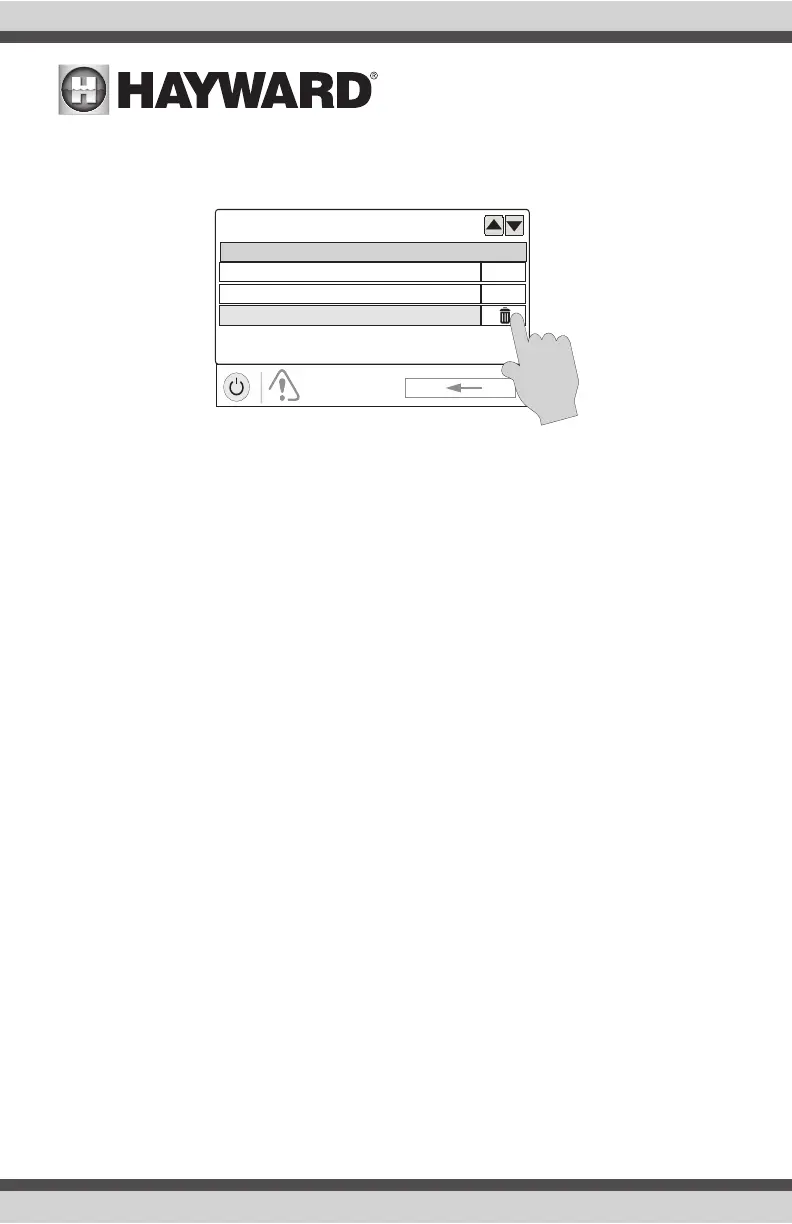
Deleting Alarms
For Alarms that can be manually deleted, follow the procedure below.
Upgrading Firmware (OmniHub using firmware 4.0.0 or greater)
All firmware upgrades are initiated from Service Mode. If you receive an alarm that upgrades are
available, selecting the alarm will give you the option to delete the alert or start the upgrade (you can
also ignore the alert and wait for a more convenient time). If you choose to start the upgrade process,
you’ll be warned that the OmniHub must go into Service Mode and will temporarily pause operation
during this time. The upgrade procedure is shown on page 34 under “Upgrade from Internet”.
Daylight
Daylight is another button that will appear in Favorites by default. This button is used to change
the screen contrast for better viewing in bright sunshine. Touching this button will toggle Daylight
viewing on and off.
Features/Lights/Heaters/Backyard
These four buttons function similarly. If any water feature, light, heater, or backyard accessory has
been configured in the Configuration Wizard, a Features, Lights, Heaters, and/or Backyard button
will appear in Favorites. These buttons give you quick access to the control screens for all related
pool equipment. These are the same control screens that you’ve used in the Pool Features and
Control Screens section of this manual.
ALARM
alarm list
Alarm
CS&D pH High level
CHLOR Low Salt
AUTO
AUTO
pH Timeout















 To Next Page