Note: If the chlorine levels do not increase within 24 hours, test the water chemistry to determine the
current salt, stabilizer, phosphate, and nitrate levels.
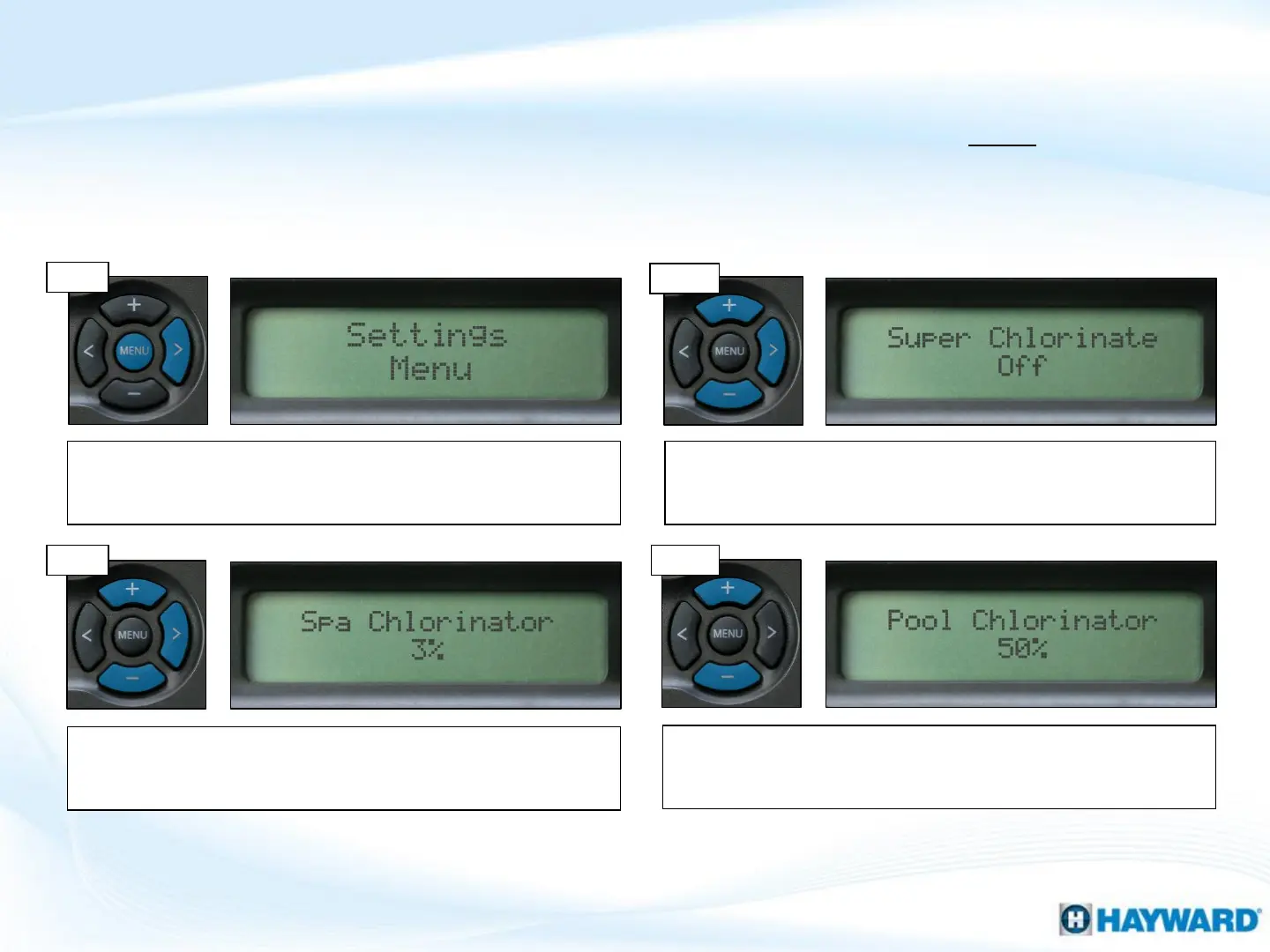
For the second body of water, use the (+) or (-) key to adjust the
desired chlorinator output. Once complete, press the ‘Menu’
button to exit.
How To: Adjust Chlorinator Output
9
Follow these steps to adjust the Chlorinator Output Percentage ONLY if Salt
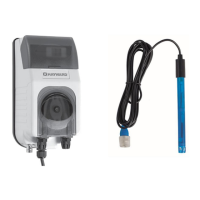
Chlorination is Enabled. NOTE: IF Sense & Dispense ‘ORP Auto Sensing’ is being used,
output must be adjusted under the ‘Chemistry Config. Wizard’; refer to next page.
Step 3
Step 4
Step 1
To display the settings, press the ‘MENU’ key until
‘Settings Menu’ appears. Then press the (>) until ‘Super
Chlorinate’ appears .
Use the (+) or (-) button to toggle between super chlorinate ‘On’
or ‘Off’ (depending on preference). Then press the (>) one time
to display chlorinator % options.
Step 2
Use the (+) or (-) button to adjust desired chlorinator output. If
multiple bodies of water are programmed, press the (>) button
again. IF only one body of water, press the ‘Menu’ button to exit.











 To Next Page