Operating Instructions
Radio Transmitter eco
Page 12 / 24 AOEM1G30 [PMTS/DOKUS]
HBC-radiomatic GmbH • 74564 Crailsheim • Germany
2007-06-18 Information and specifications subject to change without notice.
Radio Control System
2.2 Options
2.2.1 Utilization of button as shift key
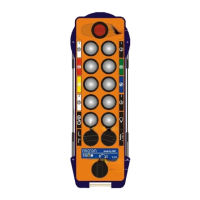
The RPM+ and RPM– buttons have a dual function.
If the button is kept depressed and the RPM+ resp. RPM– button is also activated,
the Motor Start resp. Motor Stop command will be output.
2.2.2 Cable Control Option
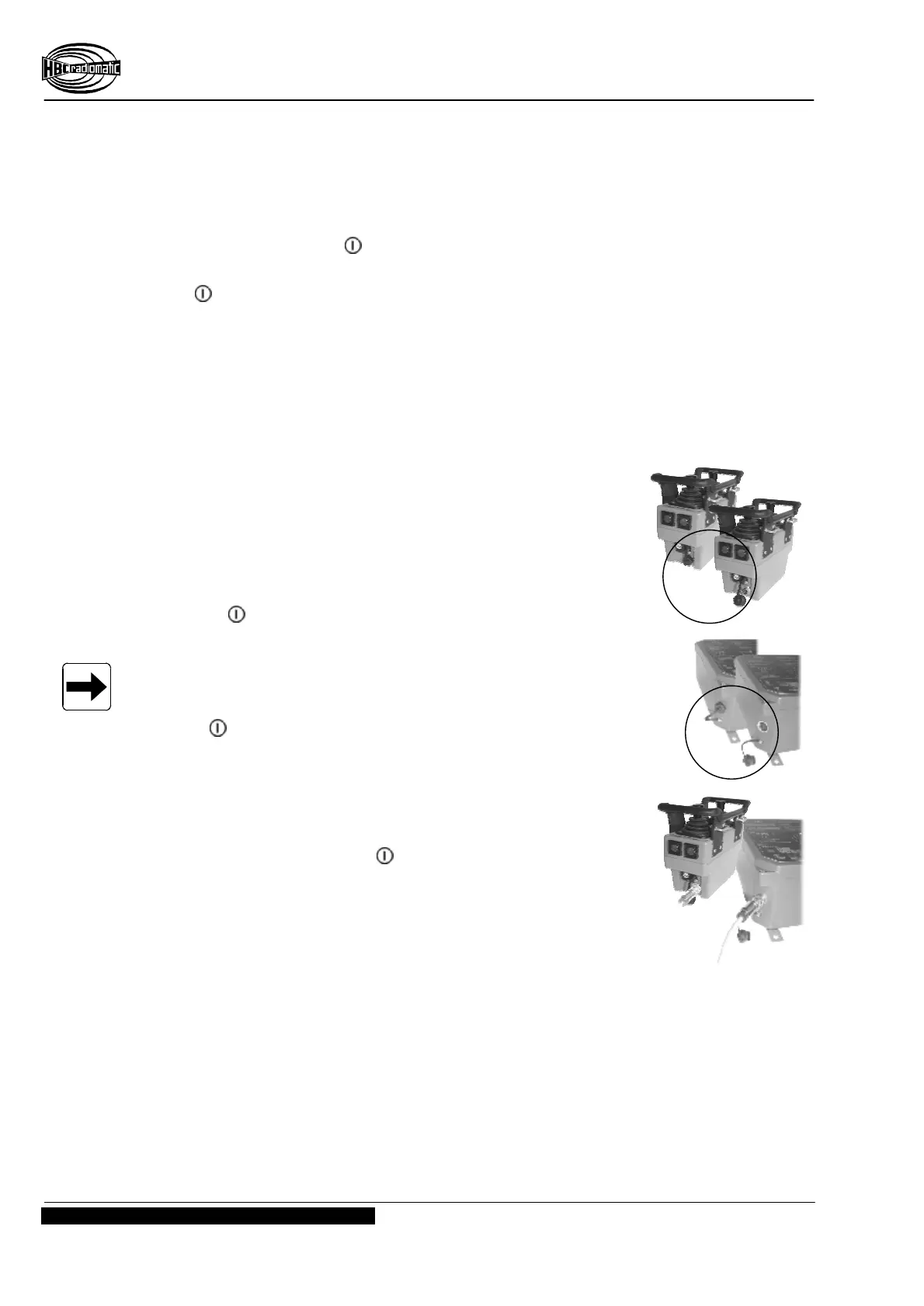
Connecting the cable
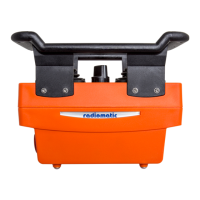
1. Press the STOP switch on the transmitter.
2. Remove the screw lock on the transmitter and receiver.
3. Connect the transmitter and the receiver with the cable.
Ensure that the connector is locked (clockwise).
4. Unlock the STOP switch of the transmitter by turning.
5. Press button.
Note:
– If the connection cable is connected to a transmitter while it is
switched on, the transmitter switches off automatically. Press
the button to switch to cable operation.
– When the system is in cable mode the transmitter will receive
the supply-voltage from the receiver. I.e. the transmitter can
be used without the battery.
– If the connection cable between the transmitter and the
receiver is removed, the radio system switches off
automatically. Press the button to switch back to radio
operation.
(Illustration exemplarily)


 To Next Page