10
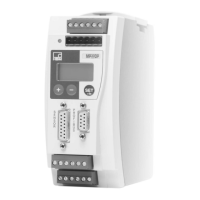
PME−MP60DP
HBM A0623-6.1 en/de/fr
5 Operation via the keyboard
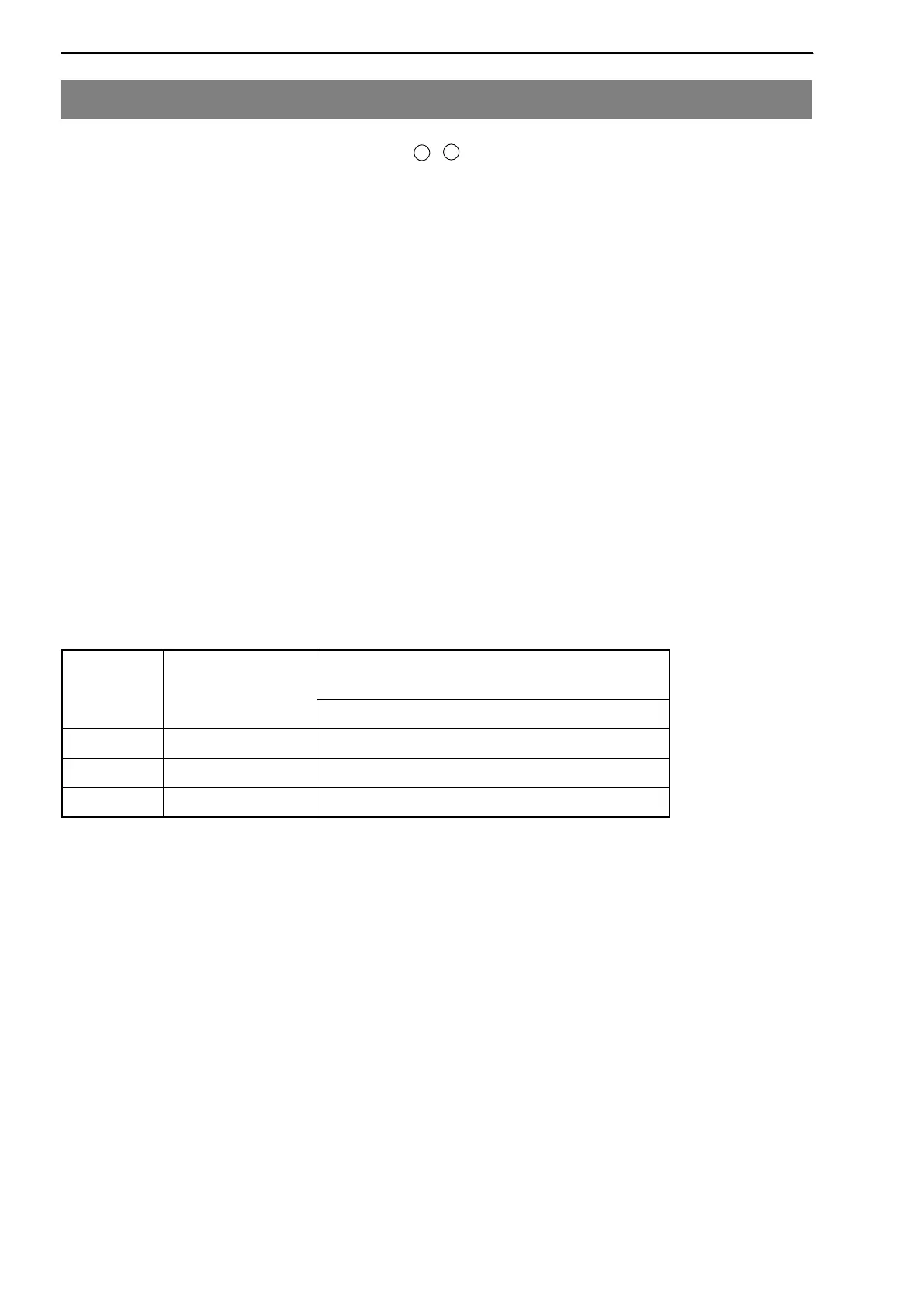
During measurement you can press
+
−
− to view the status messages in
the display (e.g. mV; V; Out,In; error messages).
Next to the status message “ERROR” the display shows the status of the
Profibus DP connection. One of the following status messages is displayed in
each case:
BD_SEAR (baud rate search)
WT_PARM (waiting for parameter)
WT_CONF (waiting for configuration)
DATA_EX (cyclical data communication)
ERROR (bus error)
The LED shows the operating status (ready to take measurements, overflow
etc.) of the MP60DP. Instead of the CAN status (as with the MP60), however,
the Profibus status is displayed.
Operating status:
LED
colour
Status Meaning
Profibus status
Green Steady light DATA_EX status
Yellow Steady light BD_SEAR, WT_PARM, WT_CONF status
Red Steady light ERROR status
The representation of the other operating statuses is the same as that of the
MP60.



 To Next Page