QuantumX
A2361-3.3_en/de 19
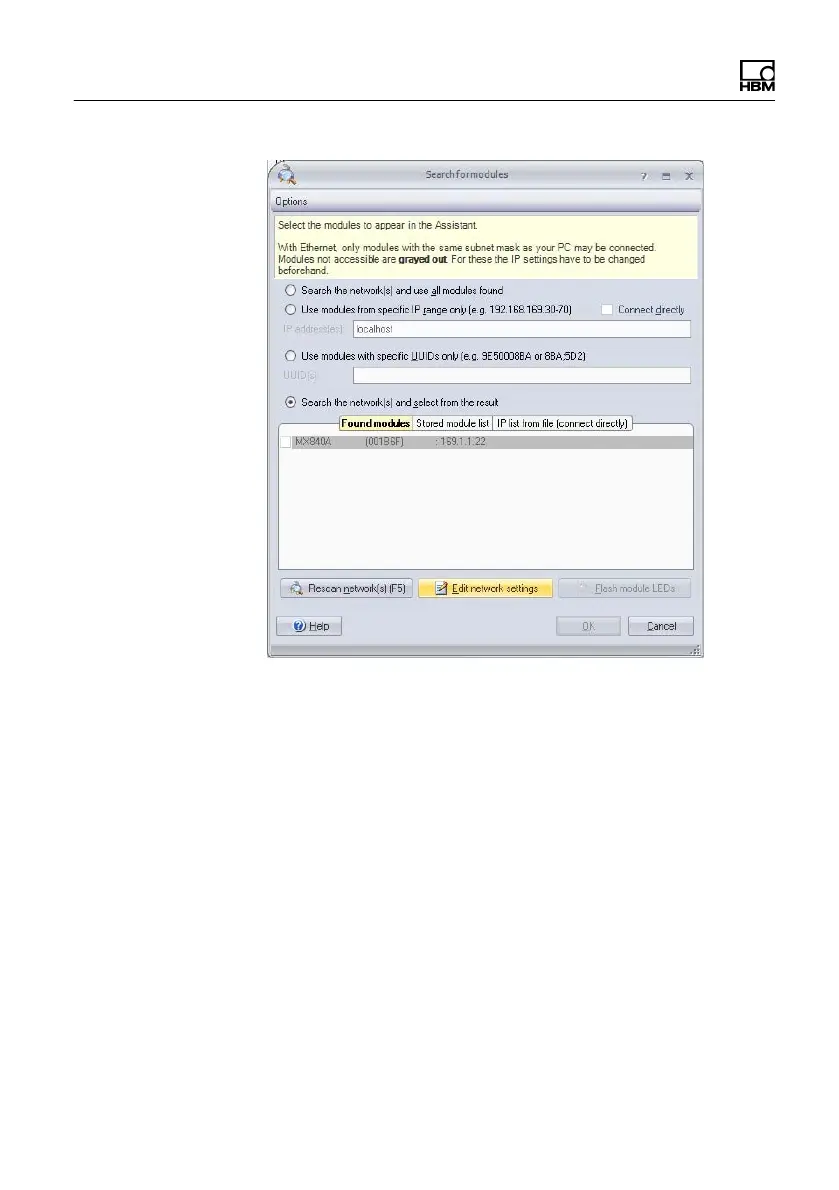
Check your settings and adjust if necessary as follows:
Adapt the IP address of the module in the following
way:
S Activate DHCP/APIPA if you want automatic
configuration as used with your PC or Notebook
S Deactivate DHCP and enter the same subnet mask
address as used with your PC and change the IP
address of your module so that it matches
communication (see example below)









 To Next Page