QuantumX
A2361-3.3_en/de 25
4.1.3 Integrating modules in an Ethernet Network
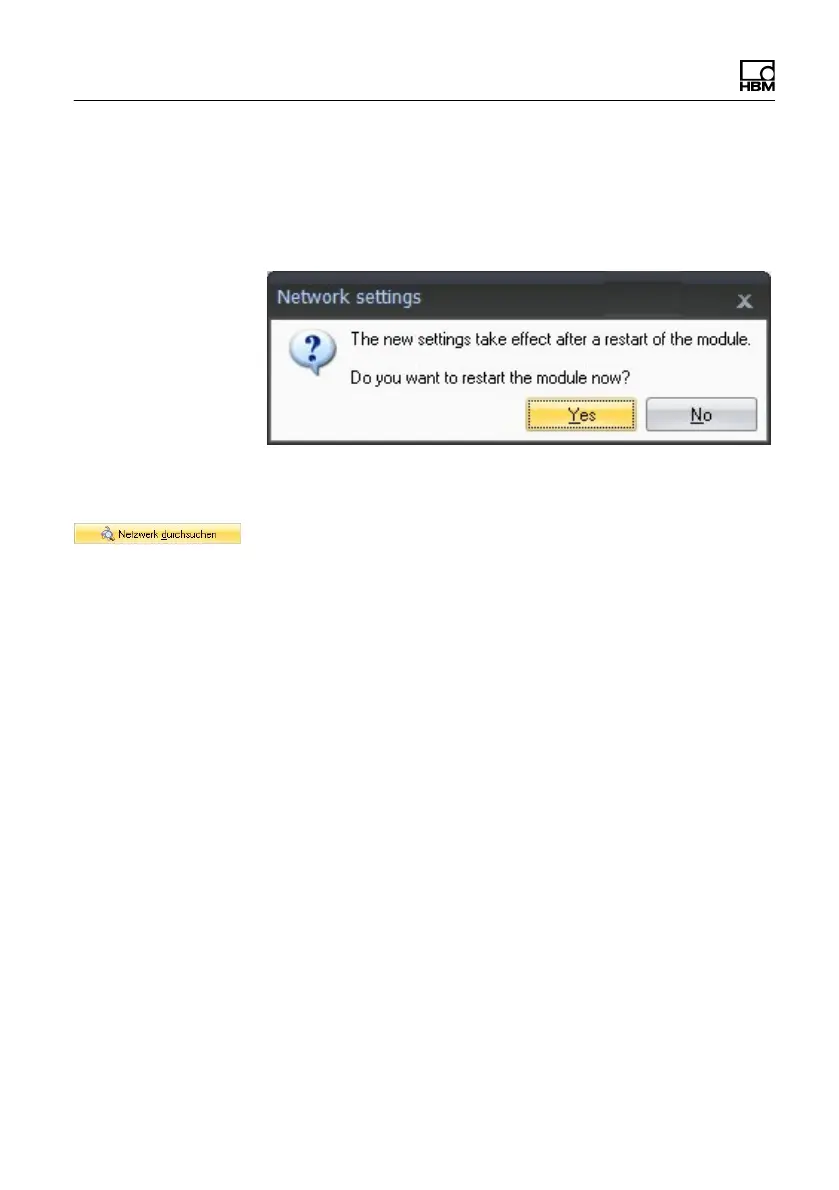
S Activate the checkbox DHCP and click on ”OK”, the
following confirmation window then appears:
S Confirm the settings with the ”Yes” button, the module
is then restarted with the current settings.
S After approx. 45 seconds click on the button.
The system LED of the module should now light up
green, if not please check your network settings again! If
the network settings are ok, the module names are
shown in black.
S Mark the relevant modules by checking the relevant
checkbox
S Confirm with ”OK”
Connector pin‐outs can be found in the operating
manual.
Channel configuration can be found in the online help of
the software.









 To Next Page