QuantumX
30 A2361-3.3_en/de
future firmware updates will be made using Quan
tumX Assistant V4.
S Exit all HBM software currently running, install new
software and start QuantumX Firmware Updater
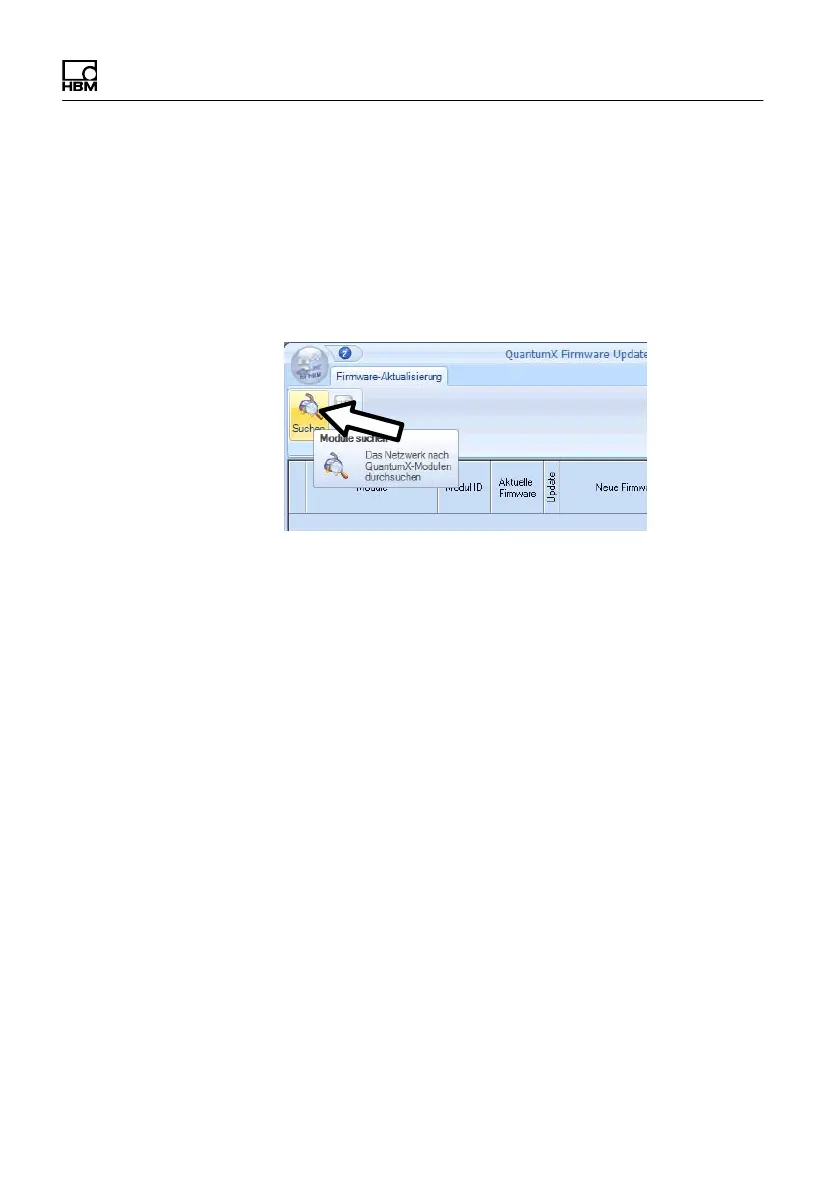
S Start Firmware Updater and click “Search modules”
(Find modules) or press the F4 function key
S Select the modules
S Select the required versionin the “New Firmware”
dropdown menu
S Activate the modules whose firmware you want to
update by checking the boxes in the “Update” column
and then click on the “OK” button









 To Next Page