Disclaimer: 3
rd
party and/or custom firmware providing extra features are not covered in this manual.
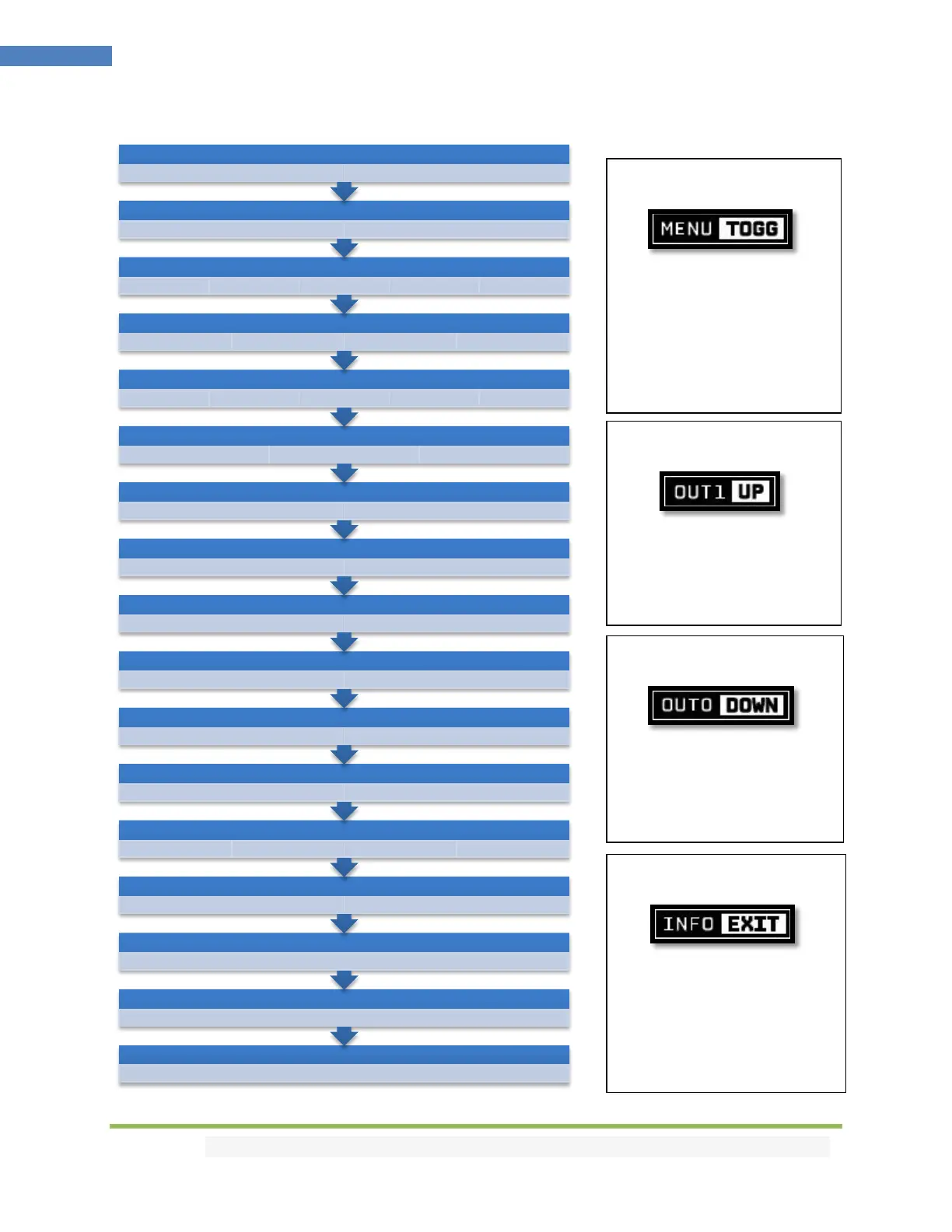
Vertex² OLED Menu
ANALOG TREBLE
0 [-10/+10]
ANALOG BASS
0 [-10/+10]
ANALOG VOLUME
0 [-30/+10]
DHCP
ON OFF
BAUD RATE
1-19200 2-57600 3-115200 4-9600
ARC HBR
ON OFF
CEC LA
0-VIDEO [0x0E] 1-AUDIO [0x05]
CEC
ON OFF
HDCP
AUTO 1.4
MUTE TX1 AUDIO
ON OFF
MUTE TX0 AUDIO
ON OFF
SCALE MODE
NONE AUTO CUSTOM
EDID ALGO
4-MAX ALL 0-NORMAL 1-MAX AUDIO PRIO TX0 PRIO TX1
EDID TABLE
EDID 0 EDID 1 EDID 2 EDID 3
EDID MODE
CUSTOM COPY TX1 COPY TX0 AUTOMIX FIXED
AUTOSWITCH PRIORITY
YES NO
AUTOSWITCH
YES NO
Press MENU once to enter
Vertex² OLED Menu.
Once you are in Vertex² OLED
Menu press the same menu
to TOGGLE choice
Once you are in the Vertex²
OLED Menu. Press the UP
button to navigate upward.
Once you are in the Vertex²
OLED Menu. Press DOWN
button to navigate downward
To EXIT the Vertex² OLED
Menu. Press EXIT button or let
menu idle for a while and it
will EXIT automatically.



 To Next Page