6 Using the heating system – Heating up the system
53
CHANGING THE SETTINGS 5. If you wish to change the settings, press the appropriate setting.
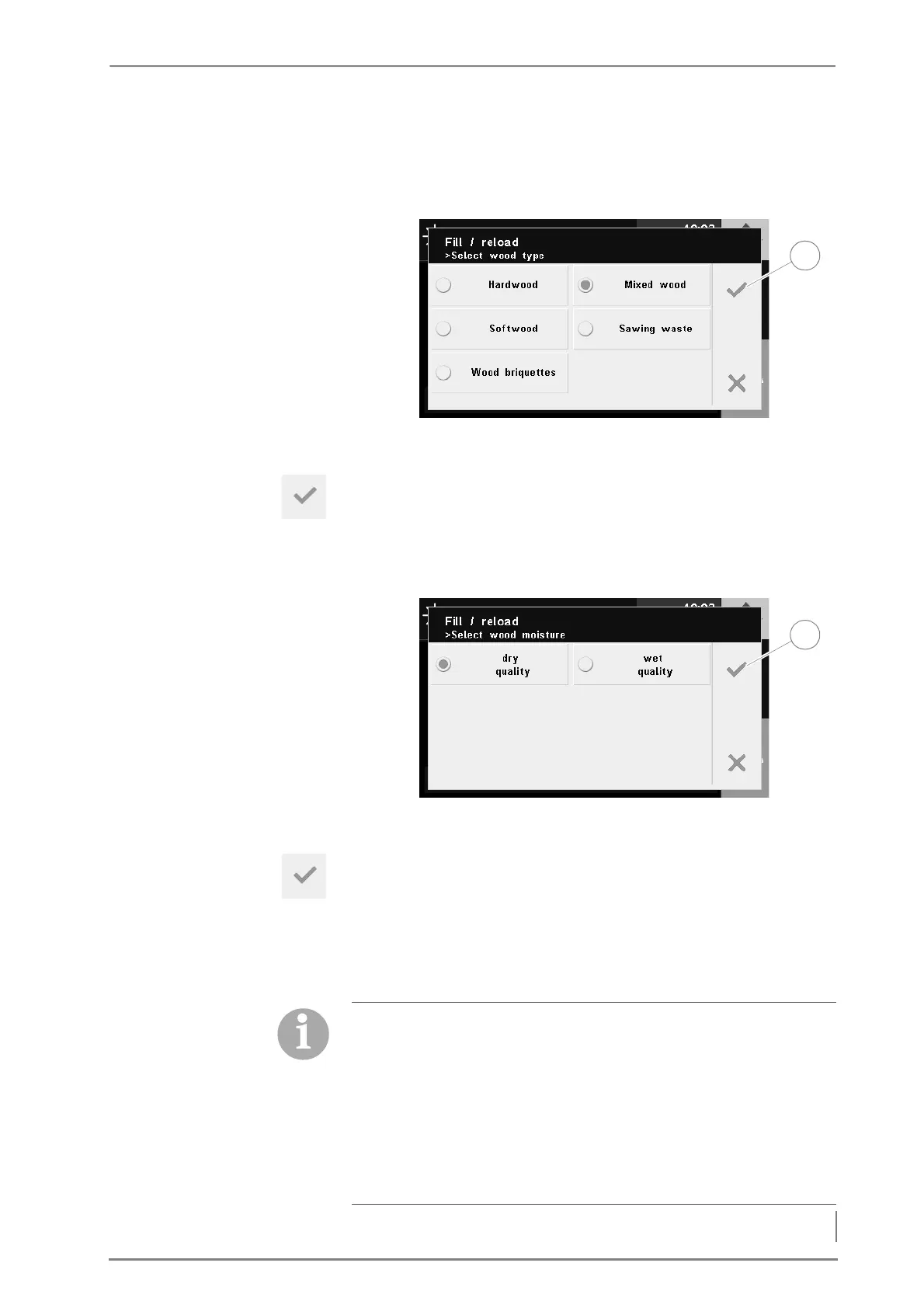
6. Press the Wood type.
✓ The Wood type selection window appears in the display.
7. Select the type of wood used.
8. Confirm your input by pressing the Confirm button (1).
✓ The Fill up / Reload window appears in the display again.
9. Press Wood moisture.
✓ The Wood moisture selection window appears in the display.
10.Select the wood moisture of the fuel.
11.Confirm your input by pressing the Confirm button (1).
✓ The Fill up / Reload window appears in the display again.
12.Press the Ignition mode.
✓ The Ignition mode selection window appears in the display.
Figure 6/3 - Query wood type
Figure 6/4 - Query wood moisture
Ignition modes
• Manual: The fuel is ignited manually (with firelighters).
• Electrical: The fuel is automatically ignited by the ignition fan
directly after filling, regardless of the accumulator temperature,
weekly programme or consumer requirement.
• Automatic: The fuel is automatically ignited depending on the
selected setting (accumulator temperature, weekly programme
or consumer requirement)



 To Next Page