International Shipping with Batteries: Lithium batteries,
Re-Chargeables and spent batteries are now banned
from all International Shipping and could result in a return
to sender or disposal. The battery shipping rules and
regulations keep changing so please check. If in doubt,
remove them first
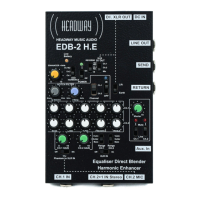
2.0 EDB-2 H.E POWER ON / QUIETER SWITCH TO
LIVE SOUND
EDB-2 H.E is powered ON/OFF via Power Switch on top
First ensure that any Instrument(s) are plugged in to their
cables, the cable are plugged into the EDB-2 H.E and
Mute Switches are ON.
Next, move Power Switch slowly with a delay through
middle "Standby" position for less noisy switching to 'ON"
when connected to a live sound system
Lastly, when ready for live sound, Switch Mute(s) to
"Live" on Channel(s) in use & Red LED's cease
illuminating. This should be a virtually silent operation
3. PICKUP & MICROPHONE TYPES TO INTERFACE
The primary types of pickups optimised for EDB-2 H.E
can be active ( powered by battery or phantom ), or
Passive ( non powered ) in addition to all main types of
microphones:
P.18


 To Next Page