- 29 -
Service Call 0844 736 9138, Technical Help (Chargeable) Call 0906 802 0253
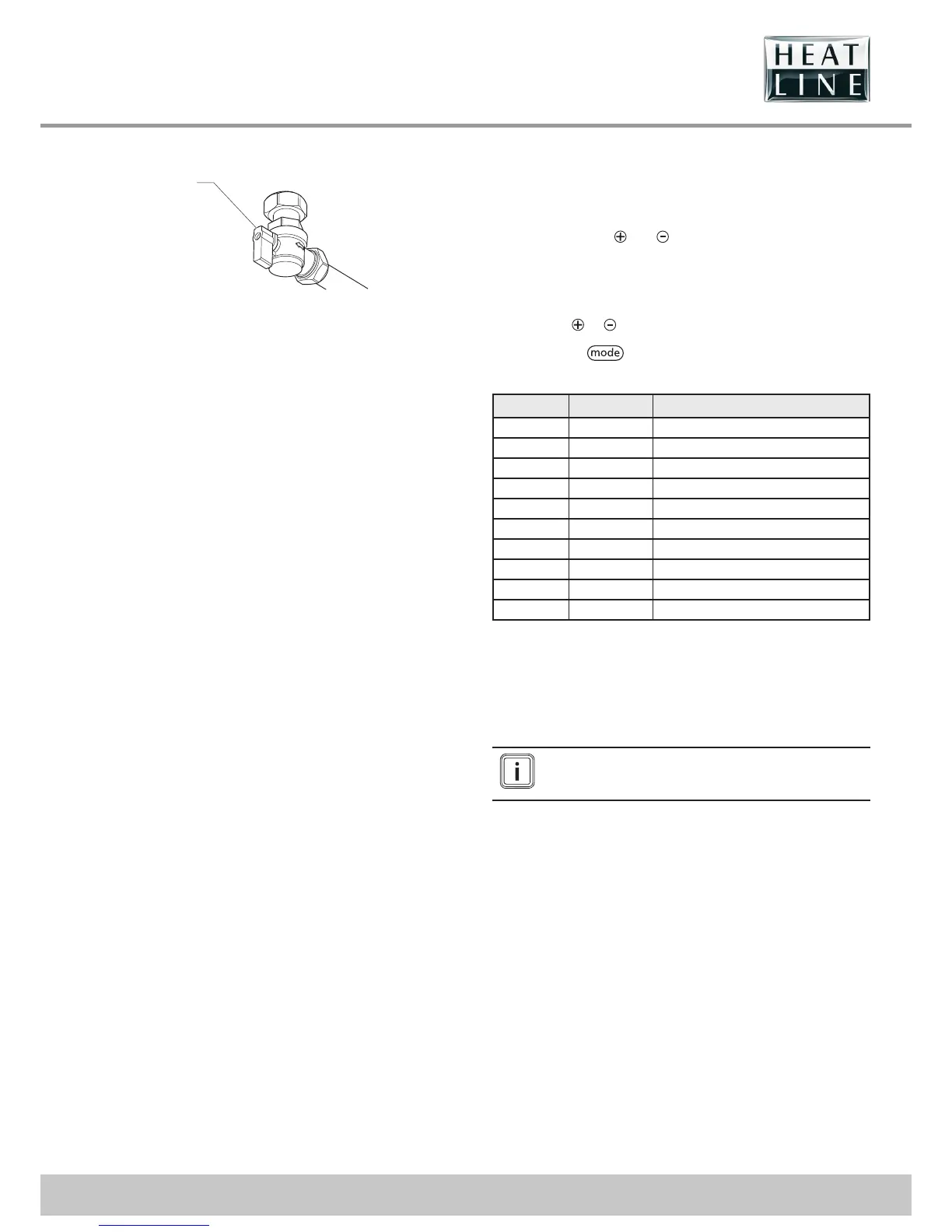
15.1.2 Check the gas supply
1
YELLOW
Key
1 Gas service isolation valve
• Check that there is a gas supply to the boiler and the gas
service isolation valve is turned on.
• Check pressure at the gas service isolation valve.
15.2 Fault memory
• This menu allows you to display the 10 most recent failure
codes registered by the appliance.
• In order to display the fault code memory, simultaneously
press the buttons
and for more than 7 seconds.
• The screen will display the rst fault "1." (record) and after
"XX" (fault code).
• To display the other faults registered by the appliance, press
the button
or .
• Press button
for more than 3 seconds to exit this
menu.
Record Fault code Description
1. XX Consult the “Fault codes” chapter.
2. XX Consult the “Fault codes” chapter.
3. XX Consult the “Fault codes” chapter.
4. XX Consult the “Fault codes” chapter.
5. XX Consult the “Fault codes” chapter.
6. XX Consult the “Fault codes” chapter.
7. XX Consult the “Fault codes” chapter.
8. XX Consult the “Fault codes” chapter.
9. XX Consult the “Fault codes” chapter.
10 XX Consult the “Fault codes” chapter.
• To erase the fault memory registered by the appliance,
consult the “Installation adjustments” chapter and use code
“d.94”.
15.3 Fault codes
The faults described in this chapter should be carried
out by a qualifi ed engineer and if needed by the After
Sales Service.



 To Next Page