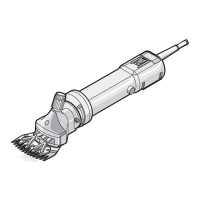
18 Translation of the original instructions / Small animal clipper
7 Troubleshooting
y Theheredescribedtasksfortroubleshootingcanbedonemostlybythe
operator.
y Sometasksonlymaybedonebyespeciallytrainedpersonalorbyan
authorisedservicecentre.Thesetasksaremarkedwith(S).
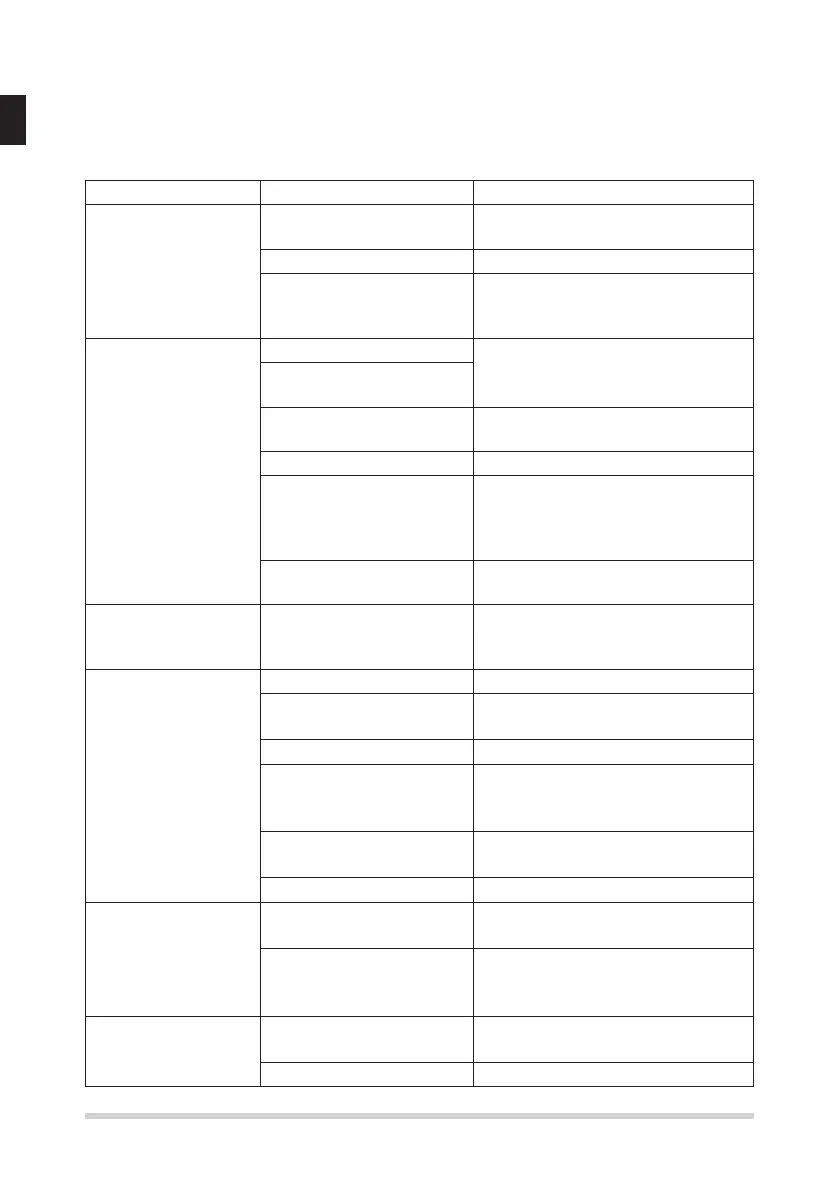
Malfunction Cause Rectication
Top blade does not
move
Clipperhead is not well
engaged
Engage the clipperhead correctly
when the motor is running
Turning lever is defective Replace turning lever (S)
The top and bottom
bladessticktoeach
other
Clean and oil the blades
Clipper cuts badly
or not at all
Clipper blade is blunt Have top and bottom blades res-
harpenend by service centre (S)
Clipper blades have not
been correctly ground
Clipper blades are not
oiled
Oil clipper blades every 15
minutes
The animal‘s hair is wet Only clip dry hair
Hairsjammedbetween
top and bottom blades
Takeoffclipperhead,pushthe
top blade half away from the
clipperhead,takeawayhairs
between top and bottom blade.
Clipperhead has too little
clipping pressure
Have clipperhead inspected (S)
No speed difference
between level I and
level II
Faulty motor and / or
electronics
Notify customer service
Motor is not running Battery is dead Charge battery
Contacts dirty Switch clipper off and clean the
contacts
Faulty battery Replace battery
Smell of burning from
the motor housing. Motor
burned out.
Have motor and / or electronics
replaced (S)
Faulty motor and / or
electronics
Have motor and / or electronics
replaced (S)
Clipperheadblocked Clean and oil clipperhead
Running time of a
fully charged battery
is too short and / or
blades are getting
hot
Clipper blades were not
oiledsufciently
Oil clipper blades
Dead, not fully charged
or defective battery has
been used
Only use intact and completely
charged original battery
No data displayed
on the charging sta-
tus display
Battery exhausted Place the battery in the charging
station
Faulty battery Replace battery


 To Next Page
 Loading...