Helmer Scientic i.Series
®
and Horizon Series
™
Pass-Thru Refrigerator Operation Manual
360378/C 7
Primary Monitor Probe
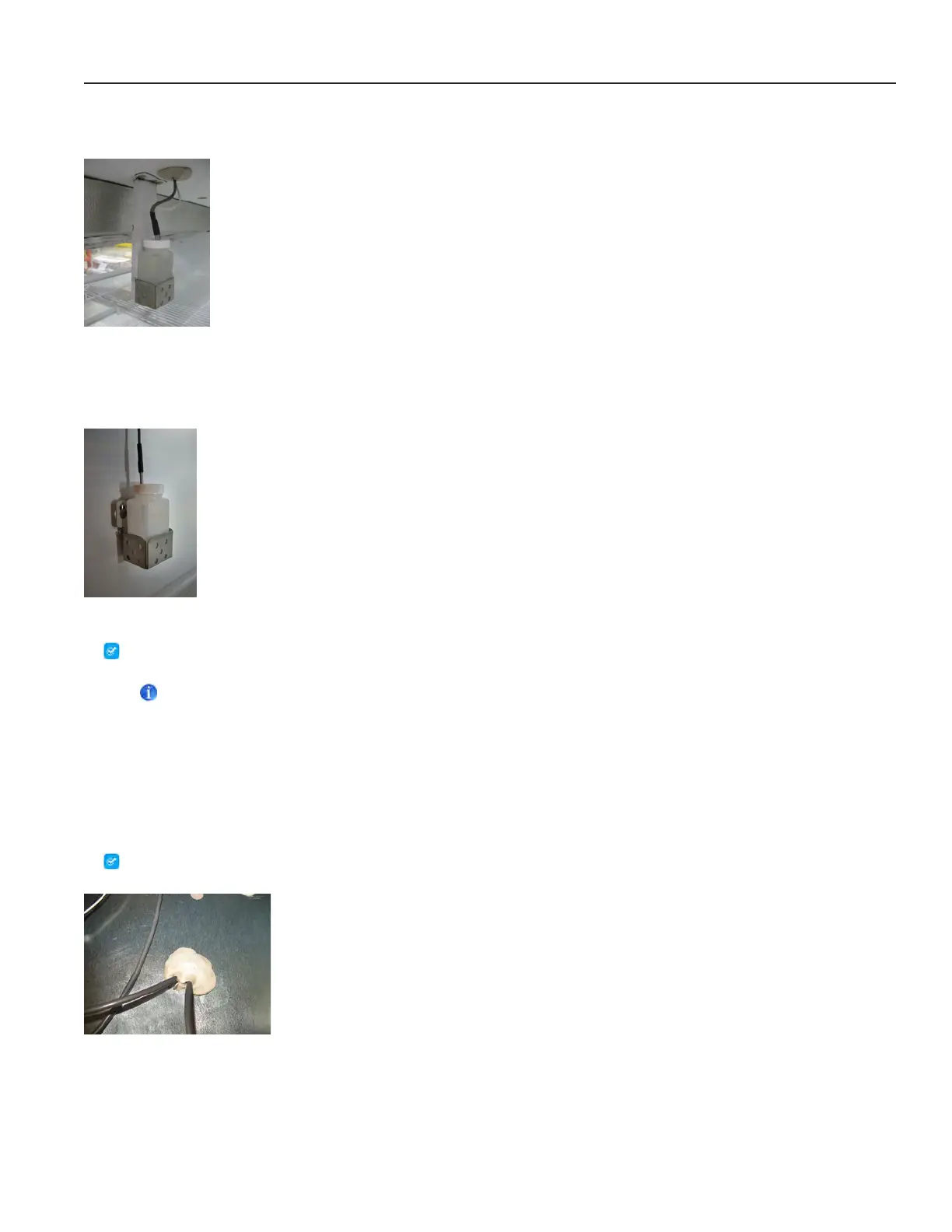
The primary monitor probe is located in the top right corner of the refrigerator (as accessed from the clean room side).
Primary monitor probe with optional chart recorder probe
Secondary Probe
The secondary probe is located in the lower right corner of the refrigerator.
Secondary probe
Fill Temperature Probe Bottle
Note
For each probe bottle, use approximately 4 oz. (120 mL) of product simulation solution (10:1 ratio of water to glycerin)
(Packet included in refrigerator box).
1. Remove all probes from bottle and remove bottle from bracket.
2. Removecapandllwithapproximately4oz.(120mL)ofproductsimulationsolution.
3. Secure cap on bottle and place in bracket.
4. Replace probes, immersing at least 2” (50 mm) in solution.
Install Additional Probe Through Top Port
Top access port
1. Peel back putty to expose port.
2. Insert probe through port into chamber.
3. Insert probe into bottle.
4. Replace putty, ensuring a tight seal.








 To Next Page