9
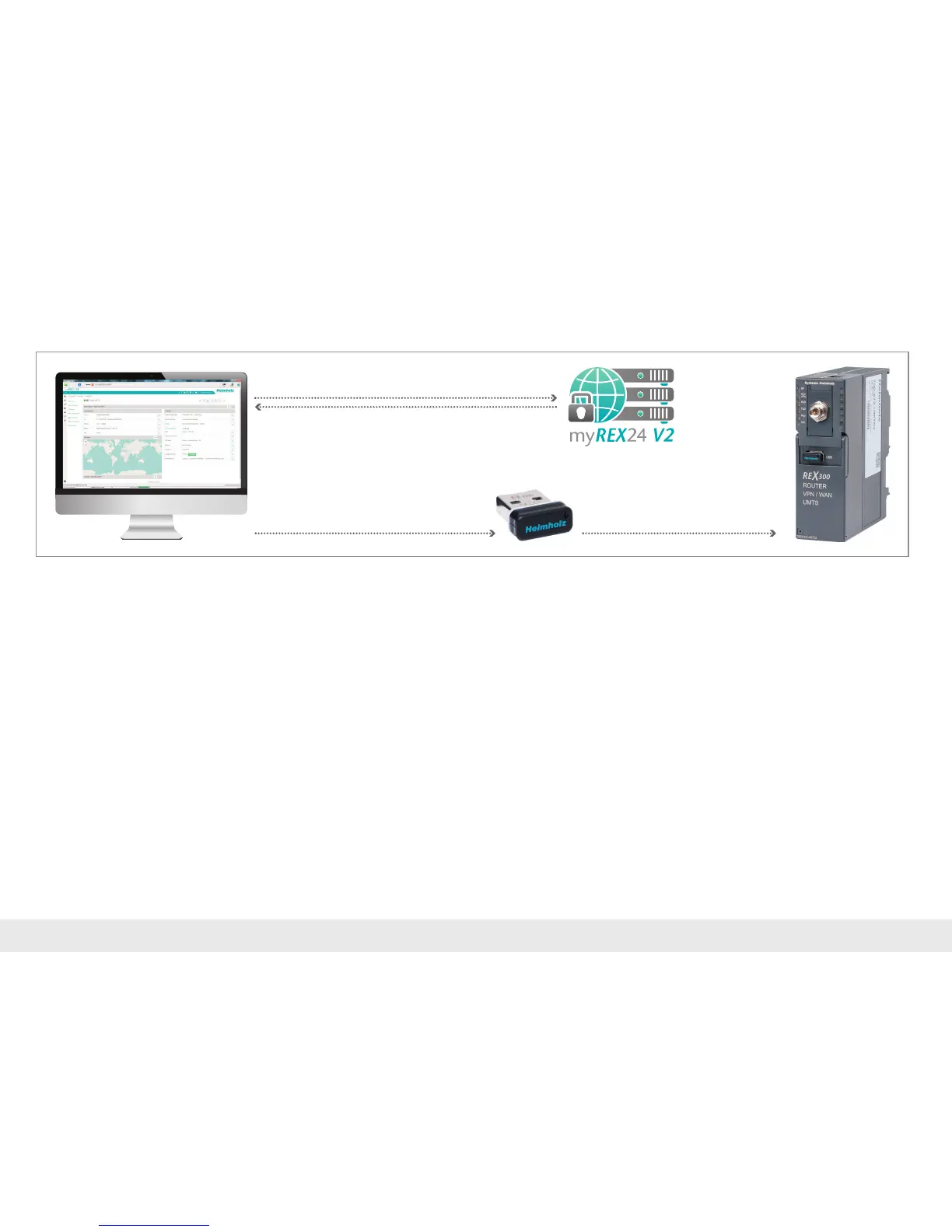
5.1 TransfercongurationperUSBstick
UsetheUSB-basedcongurationmethodiftheREX300routercannotbereached
either through the local network (LAN) or through the Internet. You can utilize this
methodwithanyup-to-datebrowser.TheprerequisitesareanInternetconnection
with the portal and an FAT-formated USB stick.
Note: The conguration le must be stored in the root directory of your USB stick. In
addition, no valid rmware les may be found in the root directory when carrying out
this action. A disruption of the supply voltage during the transfer from the USB stick can
switch the router to an undened status.
3. Save the configuration file
1. Log in at myREX24 V2
2. Create/edit and download the
REX 300 configuration
4. Transfer the configuration



 To Next Page