Quick Start Guide REX 300 11
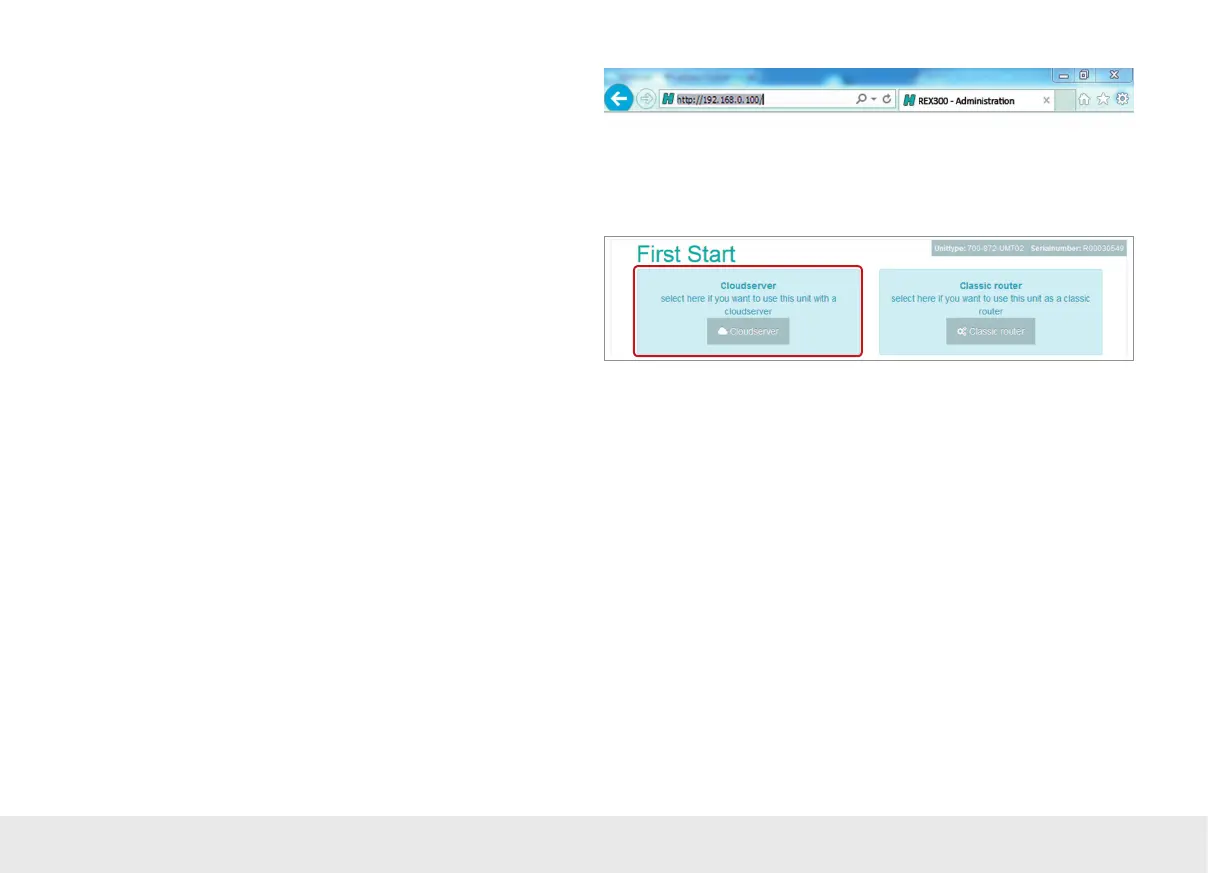
If your computer network is already set up properly, open a browser (Firefox,
Chrome, Opera) and enter the router’s IP address into the address bar (URL) as
follows: http://192.168.0.100. Now enter the following standard login data for the
necessary login to the REX 300:
Username: helmholz
Password: router
Note: Please note that the login data must be changed for your security after the router
is set up. To change them, go to the conguration menu on the myREX24 portal.
The Internet connection path of the REX 300 via the cloudserver (or as a classic rou-
ter) only needs to be congured once on the First Start website. If the REX 300 router
is able to reach the myREX24 portal using the selected path, the CTM will automati-
cally download and enable the conguration stored for its serial number. In order to
use the CTM conguration method, click on the "Cloudserver" button.



 To Next Page