Quick Start Guide REX 300 13
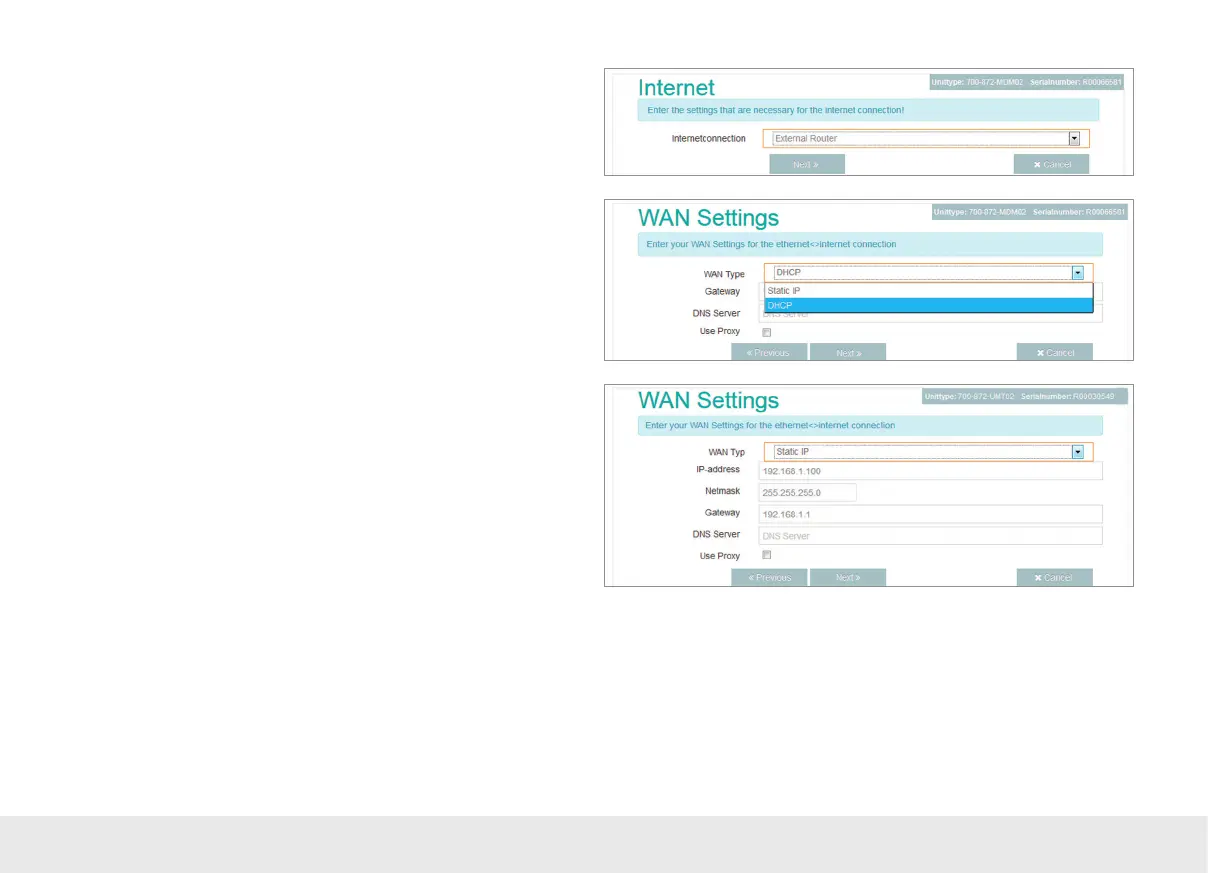
If you select "DHCP," you do not have to congure any WAN settings.
Note: Please note that either the MAC address lter at the DSL modem or in the external
rewall is deactivated or the MAC address of the REX device has been activated there.
4.2.3 Establishing an Internet connection to REX 300 WAN routers using "First
Start"
Tethered access to the Internet must be established through the “external router”
on the system side. To do this, the WAN port needs to be connected to the customer
server/DSL modem.
The values for the statically set WAN interface are dened by the responsible network
administrator.
Settings for access via the proxy server are also stored in the WAN settings when
needed.



 To Next Page