Quick Start Guide REX 30014
As soon as all settings have been transferred and saved in the REX 300 router, the
router will establish an Internet connection.
4.2.5 Automatic conguration download
If the REX 300 router is able to establish an Internet connection, it will connect to the
myREX24 portal and verify itself using its serial number.
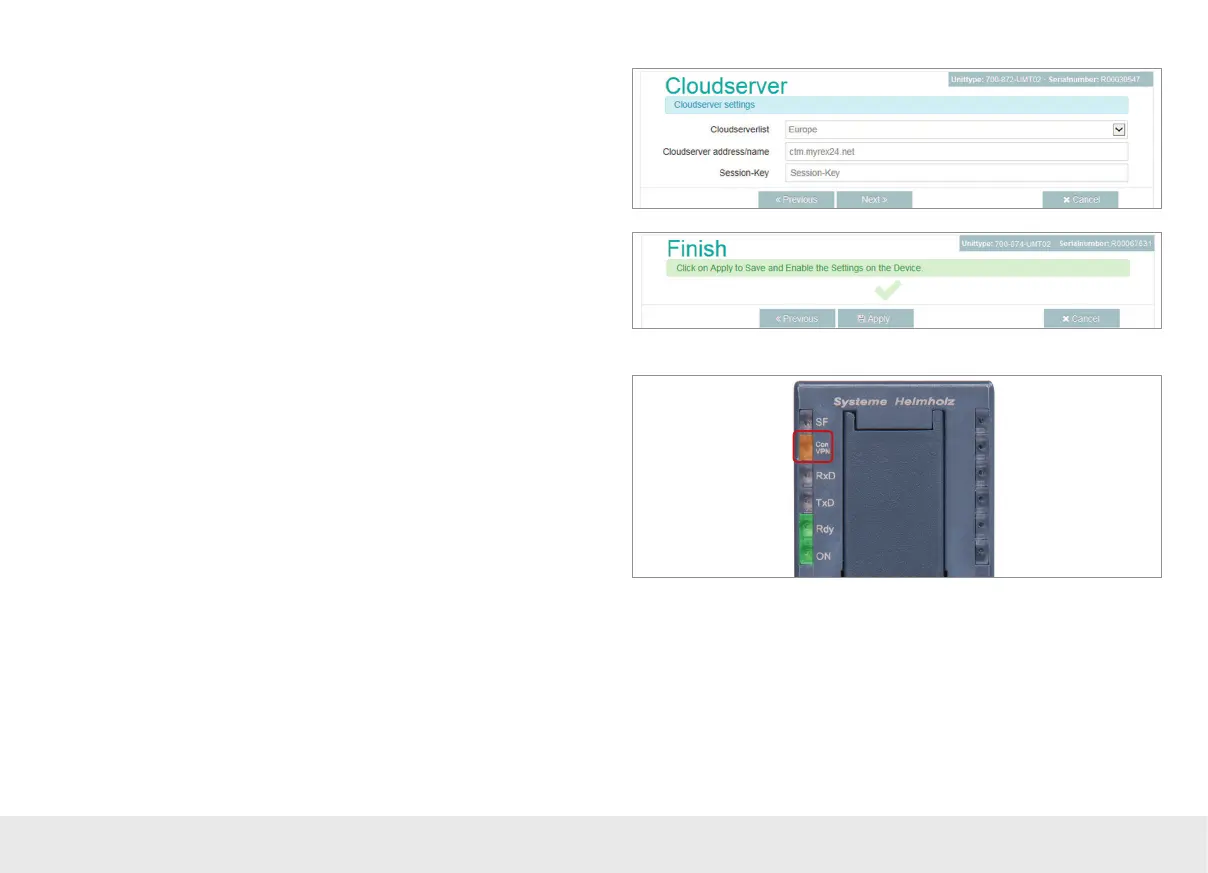
Once a connection is successfully established, the "CON" LED on the router will start
ashing (see LED description on page 26).
If a conguration le is available on the portal server, it will be automatically loaded
onto the device and enabled.
4.2.4 Conclude "First Start" steps with REX 300
The cloudserver preset here doesn't need to be changed. The code for the session
key is optional and does not have to be entered when setting up the router.



 To Next Page